Support Forum
Linked videos not showing in activity stream
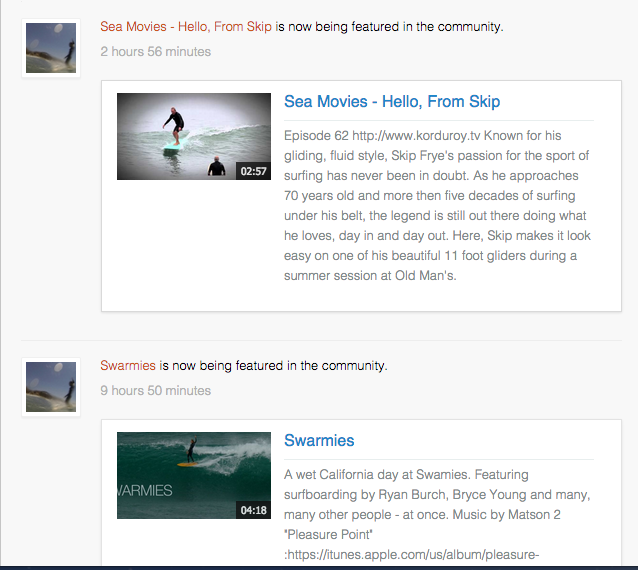
We are having a problem with videos posted to our site from YouTube and Vimeo. They are not showing up in the activity stream on the home page or on member's home page (see the post that says "Dora lives!"):
iSurfedThere.com
isurfedthere.com/home/surfers/my-page/vvv
However, the video does show up on the Videos page:
iSurfedThere.com/member-videos/display
How can we fix this?
Dimas Tekad Santosa wrote: Hi Vince,
I just checked it and seems working fine, and can be played as well.
thank you
Hi Dimas,
Thanks for the reply. You are correct that Featured Videos are showing up on the front page. The issue is that when anyone posts a video (not a Featured Video, just a regular posting), only their comments show in the activity stream.
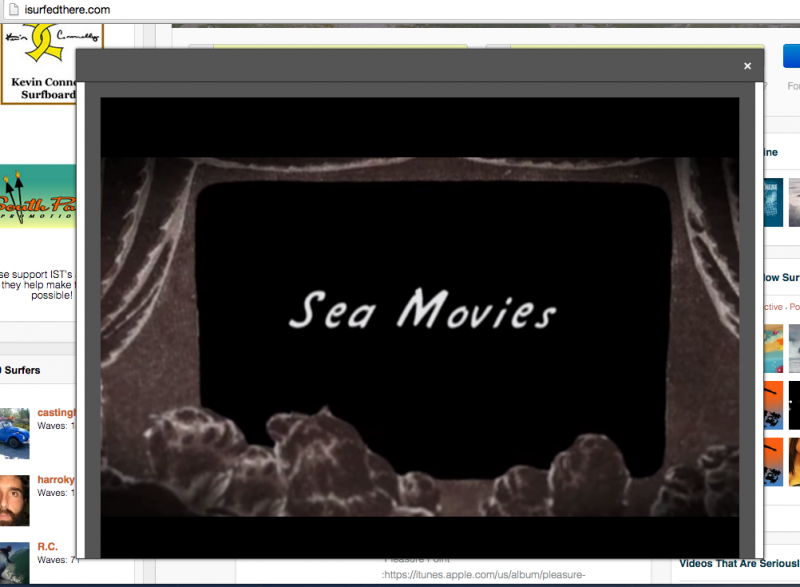
Here is a video posted today:
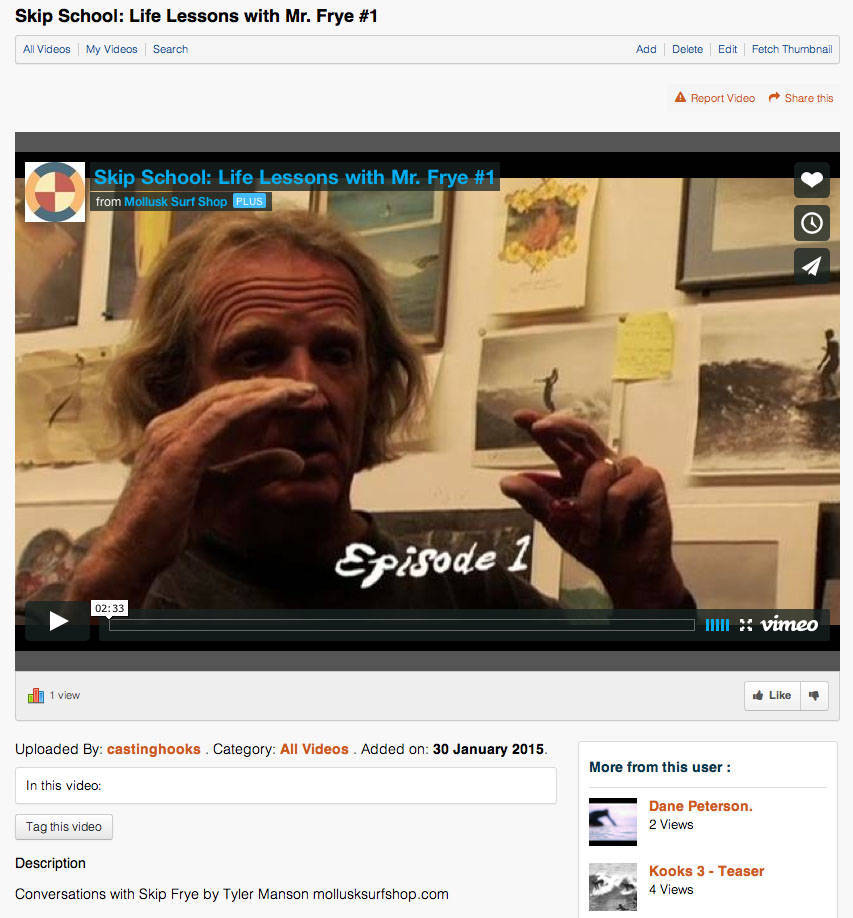
Here is all that showed up in the activity stream:

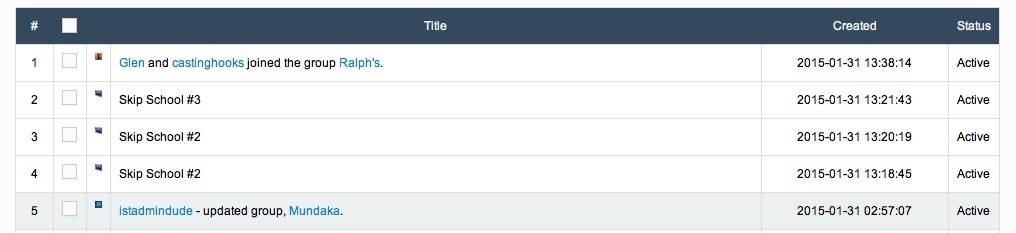
Also, video links no longer show up in the Activities in the JomSocial back end.
Here is one from when it was working properly:

Here is a screen shot for some recently posted videos (Skip School #3, etc.):
Figured it out. It was because I had a copy of activities.index.php in my home/templates/default/html/com_community directory trying to create an override that would show all activity streams expanded as shown in this thread:
www.jomsocial.com/forum/profile-universa...icaly-expanded#92477
Doing that is what broke the video function in the stream. I will post in that thread as well.
Vince wrote: Figured it out. It was because I had a copy of activities.index.php in my home/templates/default/html/com_community directory trying to create an override that would show all activity streams expanded as shown in this thread:
www.jomsocial.com/forum/profile-universa...icaly-expanded#92477
Doing that is what broke the video function in the stream. I will post in that thread as well.
OK after further testing it's not fixed. It worked once, but now it's not working again. I have removed activities.index.php from my template's override folder, and replaced activities.index.php in components/com_community/templates/default with an unmodified version from a backup, but still no videos are showing up in the activity stream.
Dying for a solution to this ASAP! :-(
Dimas Tekad Santosa wrote: Hi Vince,
I see this stream
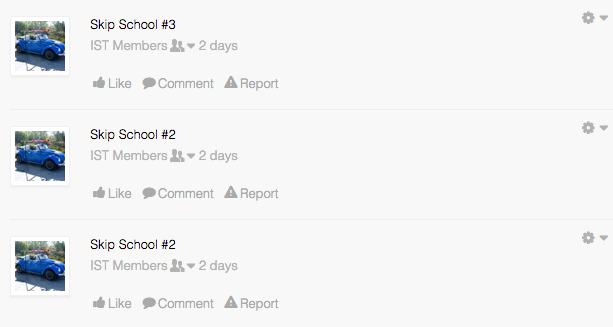
May I know how can I replicate it ? where did you share it?
thank you
I am currently trying to fix the issue, and I just replaced my whole com_community directory with a copy from January 13, before the issue arose. This fixed the issue, but now we are getting error messages like these on JS pages:
Warning: Cannot modify header information - headers already sent by (output started at /home/ist2014/public_html/components/com_community/libraries/browser.php:25) in /home/ist2014/public_html/components/com_community/libraries/core.php on line 534
Warning: Cannot modify header information - headers already sent by (output started at /home/ist2014/public_html/components/com_community/libraries/browser.php:25) in /home/ist2014/public_html/components/com_community/libraries/core.php on line 509
Here is a screen shot:

How can we fix this?
-

- Dimas Tekad Santosa
- Visitor
- Thank you received: 0
Licenses:
Hi,
Regarding that warning error, you simply can set the error reporting from Joomla configuration to none. This is not fatal error just minor error wont effect too much on your site
thank you