Support Forum
About default home page JomSocial
ISSUE SUMMARY:
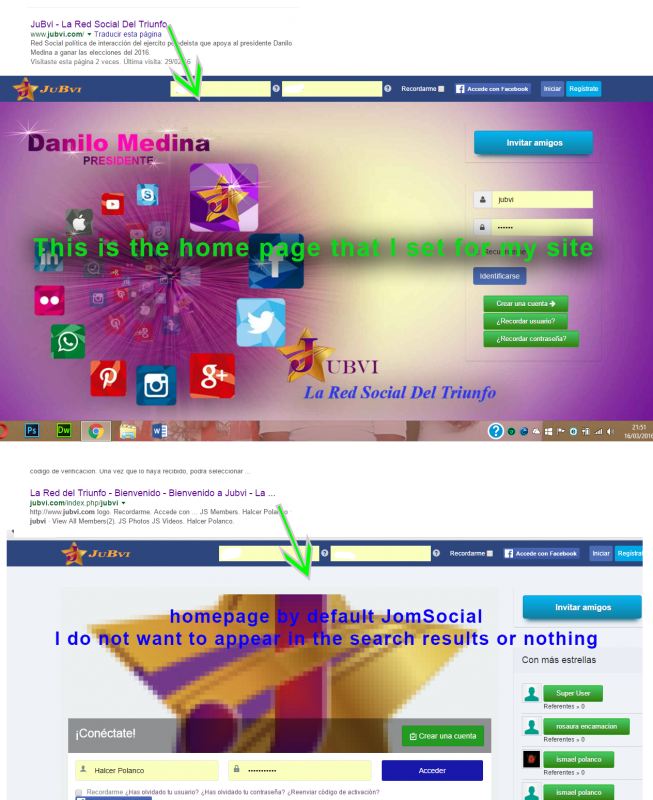
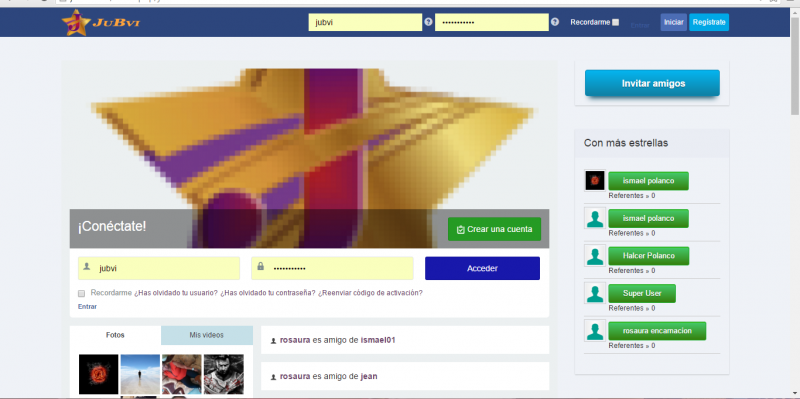
Hi. I set the home page as the first image, diferencte to that of JoomSocial default one, and do not want the previous home page of JoomSocial, which as I said, comes by default still appear, coimo in the second image below. Try to delete it but doing the other pages not continue to appear How hidden this page for the search results?
STEPS TO REPLICATE:
1
2
3
4
5
RESULT
EXPECTED RESULT
BROWSER

-

- Dimas
- Visitor
- Thank you received: 0
Licenses:
Hi,
May I know the full URL please? seems that itemID from that URL should be set for registered only as well.
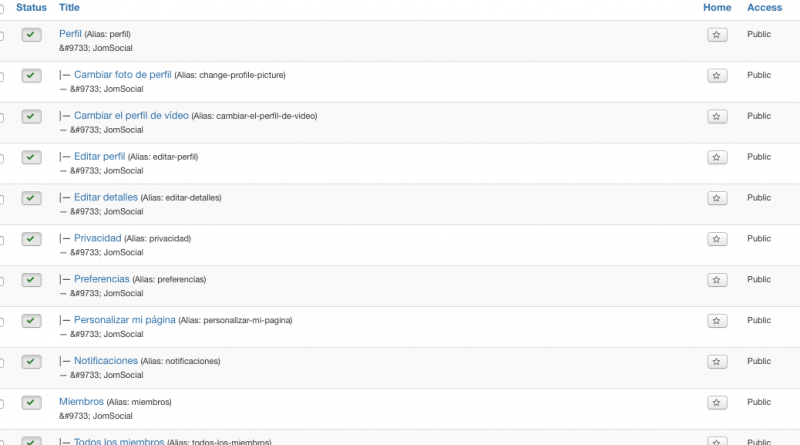
I found the menu "Jubvi" on your menu manager and I already set it to registered only, and please you also do the same on another menus, I still can see the menus can be accessed as public / guest, since you havent changed them all to registered
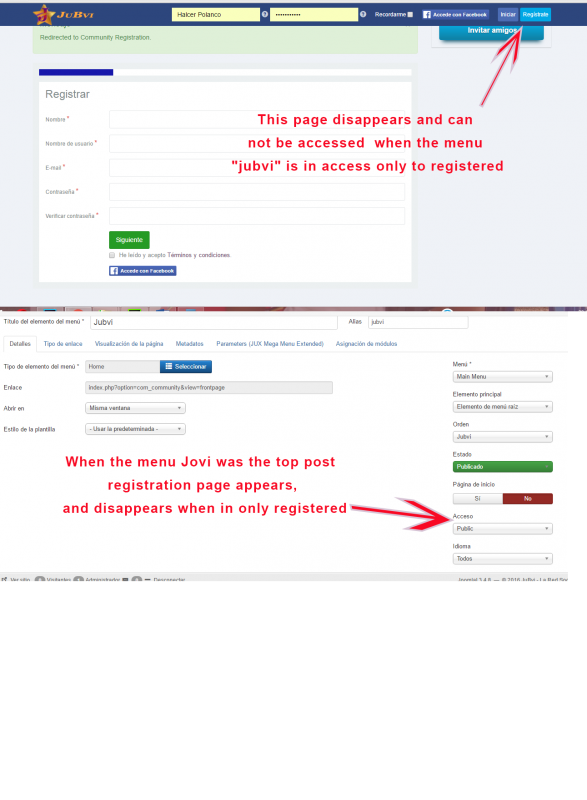
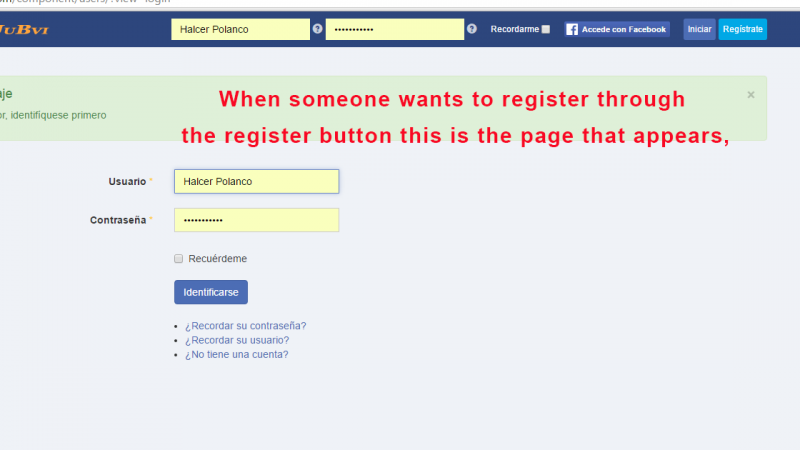
Hello, set the menu "senior citizen" to accessing only registered causes anyone can register. When you click on the Register button only accessed to access the website, also when you click on the option Do not have an account ?, I have proven to put on "public" access in the menu "JuBvi" and solves the problem. Please look at the pictures.
-
- Dimas
- Visitor
- Thank you received: 0
Licenses:
I see, so I suggest you modify and do override the frontend template /components/com_community/templates/jomscial/layouts/frontpage/guest.php you can delete the entire code on it.