Support Forum
add a background image to the registration page

ISSUE SUMMARY:
1. how I can add a background image to the registration page? only this page of the site.
2-. How I can agragarle a style to this module, I can not find where, created the class style, adding it like any other module or menu items?
STEPS TO REPLICATE:
1
2
3
4
5
RESULT
EXPECTED RESULT
BROWSER
Hi,
do you mean at this page:
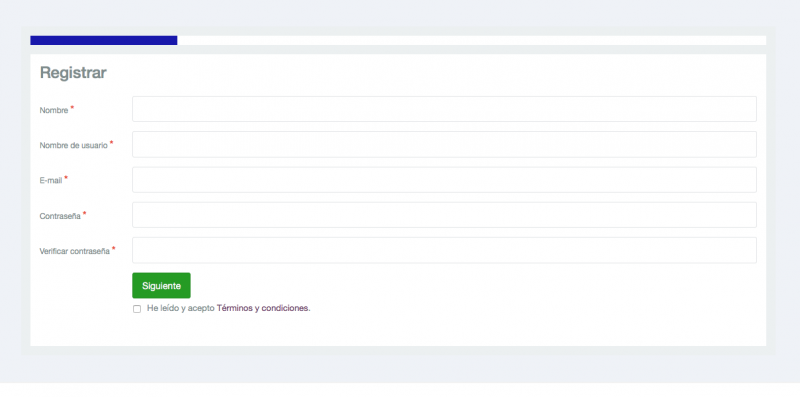
depend with what kind of customization you want. you can do it by using custom CSS code
/templates/socialize/css/custom.css. create this file and put custom CSS code at here
or changing HTML structure by override this template file:
/components/com_community/templates/jomsocial/layouts/register/base.php
please elaborate more about what of customization you want. it would be great if you can provide me the screenshot about the customization.
Regards
Hi, thanks for responding so fast, I appreciate because I am on a project that I wanted to be ready for next Monday and even I lack a lot of things. the idea is you can have a home interface and registration as facebook, ie the registration module on the right side, this module screenshot you put, and put a background image. Clearly it shows well on both the PC and smarphon.
In that sense I just bought a module that gives me the opportunity to place a background image, but put it on the homepage menu items not in record, not because I found how to do it. and then I put a login module on the right side as time in the screenshot. ideally have a background like that time with the registration module on the right side, not the module startup.
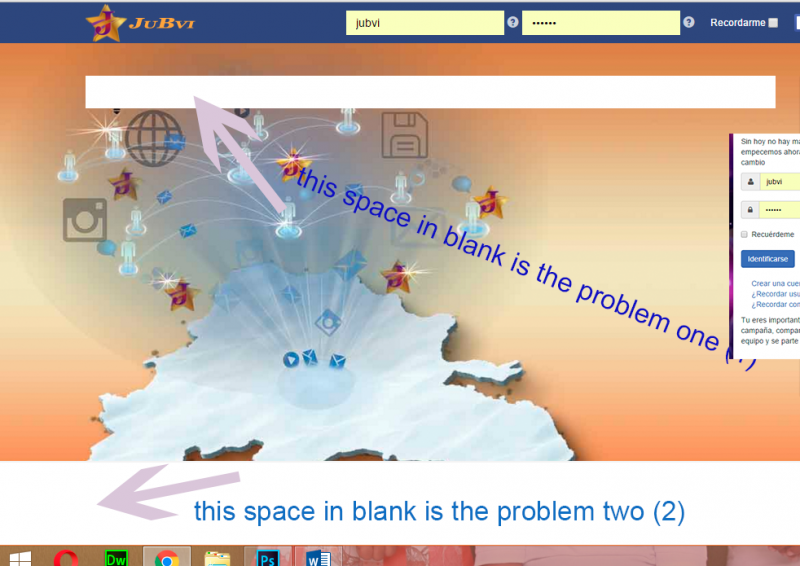
The module that made me buy pictures of background, but I see now that I have been two problems that I notice is the template:
1. The first is the blank bar me at the top of the page in the header, because this bar is shown in white in the template, as I can pull it off,
2. The second problem I notice is that at the end of the page is still displayed footer blank, which was where the logo of T3 RAMEWOR was, and would remove the background image display module to the end .
In short, what I want is likely to have the login site with a background image and the registration form on the right. it would be ideal. Could you help me on this?
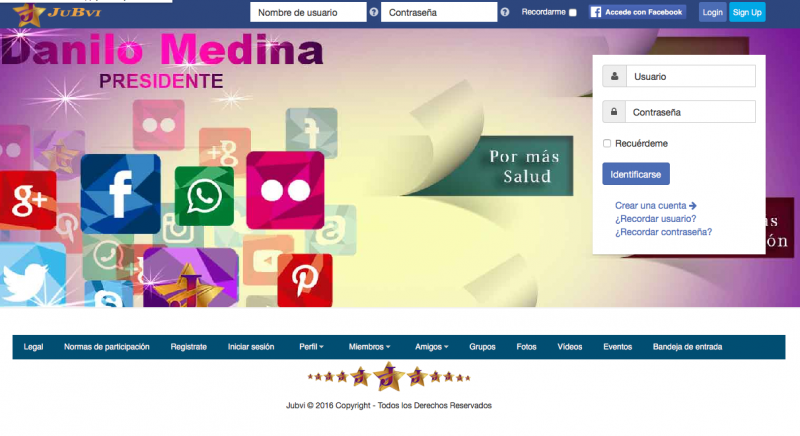
Hello, as you can see I could fix the blank top, but I can not make the image that I have put in the background behind the footer too well.
if it is that you have several images that are happening one after another, as I said, the space above blancoi gave a style of transparency, but the footer me giustaria it is behind the menu that have in part bottom, I thought that if I put a picture of background, also included the footer, ie, all modules space or template, is that the footer is in a position independent of the rest of the staff?
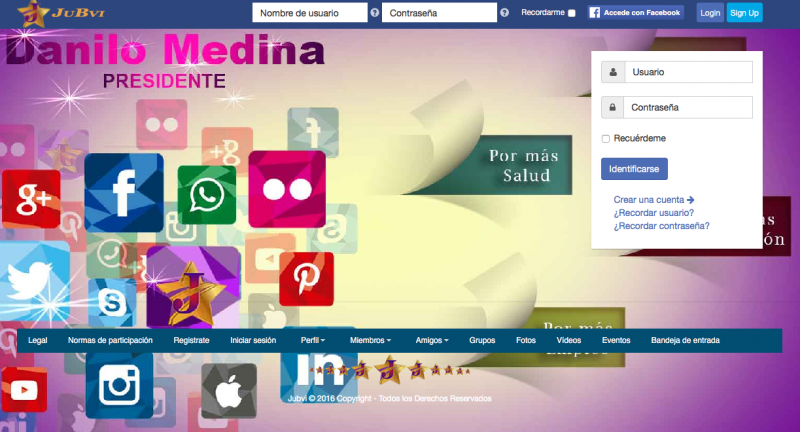
hello, thanks for your reply, I have done what set me even more, but it does not work, when I do with the tool developer's search engine seems to work but when will introduce the css coodigos considering what I indicas i also the class label wrap t3-footer well as .T3-footer and all, thanks for your patience, I appreciate the help. a question, if I enter the class within the template.css file could acosionar a problem in the other pages of the site, this would alter other components and modules?
Hi,
please check it, I did it for you. sorry for gave you wrong folder location, it suppose to /templates/socialize/css/custom.css
.t3-copyright {
  background-color: transparent;
  color: #fff;
}
.t3-footer {
background: transparent;
color: #ffffff;
}Regards
thank you very much, is indeed what I wanted, but had put those same lines of code in the part used in the template, ie, "Custom Code" why it did not work here. THANK YOU FOR EVERYTHING YOU ARE A HERO.
already this settled, but I would like to know the answer to the last question . I reiterate my thanks for the help.
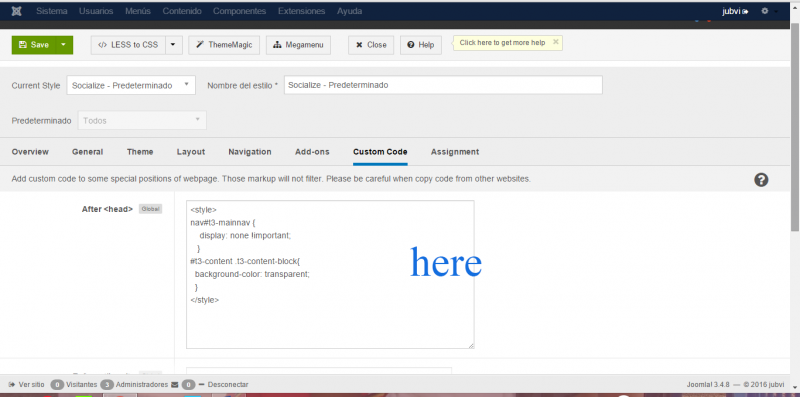
Hi,
that because you put it after
<head>you can try to put that code at before
</head>but for any custom CSS code, better you put it at /templates/socialize/css/custom.css,
that custom css always loaded after all CSS template.
more explanation:
www.t3-framework.org/documentation/custo...tion.html#custom-css
Regards