ISSUE SUMMARY:
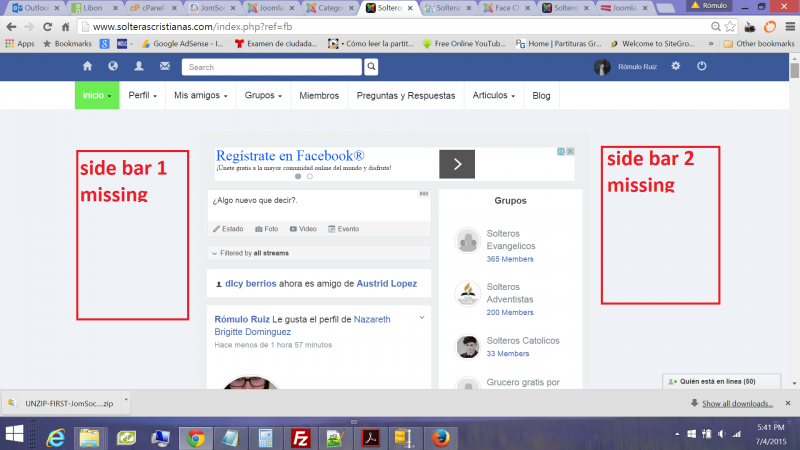
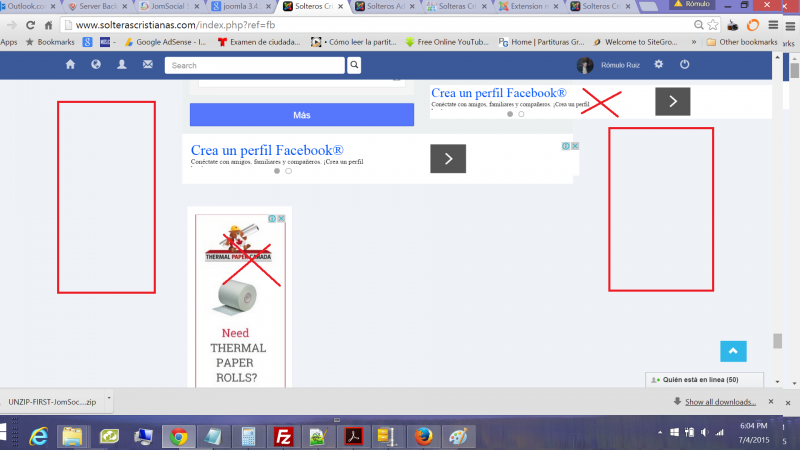
After update to the last joomla version 3.4.3 some template position are placed in other, example side bar 1 and side bar 2 are now like in js_bottom, i had to restore the site back to avoid this issue, please, i'd like help in order to update jooma.
please check the screen shots
Best Regards
STEPS TO REPLICATE:
1
2
3
4
5
RESULT
EXPECTED RESULT
BROWSER
1. You use Socialize 2 RC1 - this is Release Candidate version not for production sites. Please, upgrade to Stable release.
2. You customized Socialize template introducing sticky modules at sidebar (new modules position).
- Instead of saying: 'it's not working', explain the problem in detail.
- Screenshots with the URL visible in them and the problem marked are more than welcome.
- Tell us how to replicate the problem, we can't fix it if we can't find it.
- Make sure that your site/server meets JomSocial System Requirements
- Make sure to setup JomSocial Cron Job
- Always provide us with access details to the backend and ftp. We need it to debug problems.
- If you have a similar problem, but a solution you found isn't working, open a new thread instead of 'merging' with an existing one.
- Use the "Thank You" feature on any post that helped you