Support Forum
Sidebar select listbox styling issue
ISSUE SUMMARY:
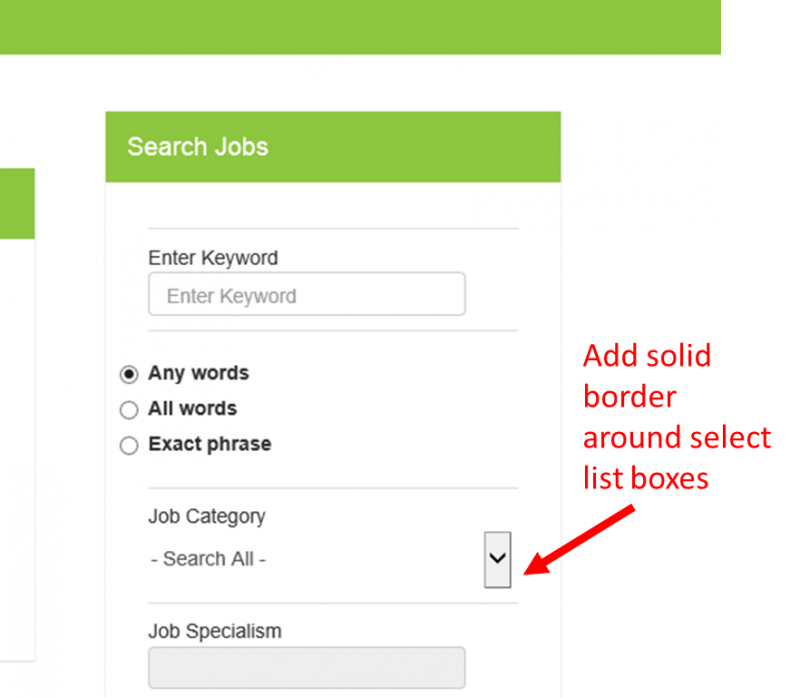
I am using Socialize 2 sidebar1 module position for other menus on my site but having issues with the default styling in that it doesn't display correctly. I have a search module which has a number of search boxes including select listboxes. The default state of the module is very squashed so I have had to spend ages trying to space everythhing out using custom css. I am almost there, but need to add a solid border around the select listboxes so my users can see them.
I have used Chrome element tool to identify the code, and when i change it there it changes it on screen, however when i add the same new code to the custom css it has no effect on the actual site.
Where would I change this? And will there always be these issues when displaying this kind of module in the sidebars?
STEPS TO REPLICATE:
1 Install a module with multiple field types including a listbox into sidebar 1 position
2
3
4
5
RESULT
All fields are squashed together vertically and its difficult to see the listboxes as all that is visible is the arrows on the right of the box.
EXPECTED RESULT
Nice neat layout like in the module styling example you have for the search box using default style
BROWSER
Same in all browsers and on both pc and tablet
-

- Dimas
- Visitor
- Thank you received: 0
Licenses:
Hi Melanie,
I cant access your website, I need your backend access.
Well, can you provide me the sample / screenshoot what do you want select dropdown looks like?
thank you
Hi Dimas,
I just want a border around the dropdown boxes like in this image:
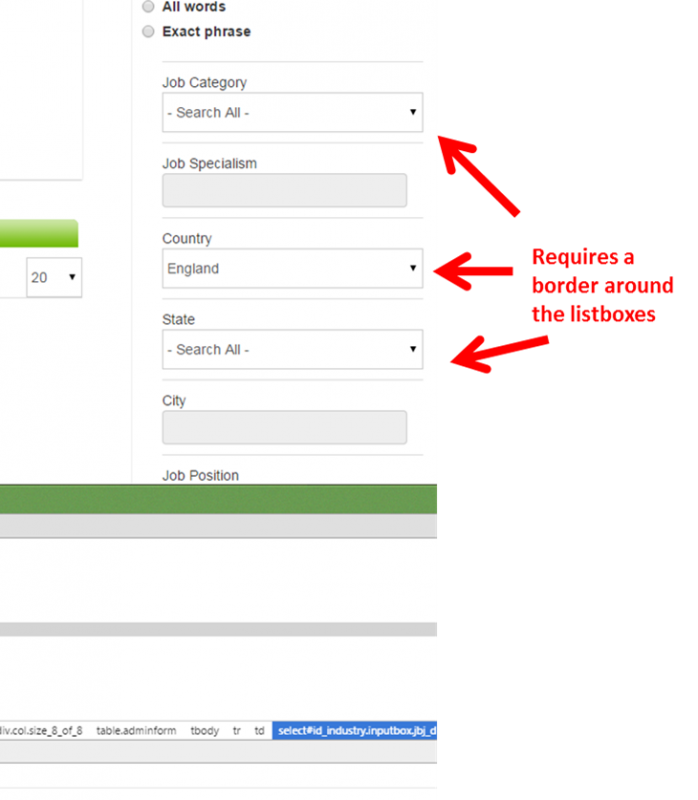
It lets me add in in Chrome but when I copy and past the style code into my custom.css nothing happens (I just basically changed the zero to 1 highlighted in bold):
.inputbox .input, .inputbox .attachment, .inputbox, .textntags-beautifier > div {
border: 1 none;
border-radius: 0;
font-family: inherit;
font-size: 14px;
line-height: inherit;
margin: 0;
padding: 0;
word-wrap: break-word;
}
Kind regards
Mel
Hi Dimas,
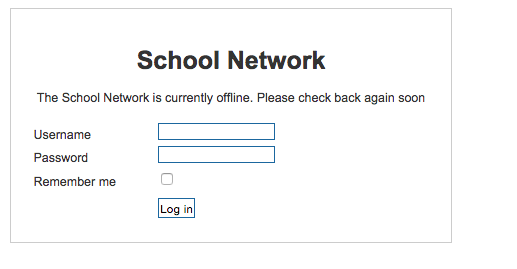
I can't add the site details as its not the same site and it doesn't allow me to put the details in the access area. Its basically just the default style sidebar1 module I am trying to change, and it changes it easily in chrome view, but just not accepting the change when I add it to the custom template - unless I need to add it to the actual socialize template?
Mel
-
- Dimas
- Visitor
- Thank you received: 0
Licenses:
Hi Mel,
I cant do nothing if I can debug it directly..
well, please you edit your first topic here
www.jomsocial.com/index.php?option=com_k...d=25888&mesid=126920
and provide the private info there.
thank you