Support Forum
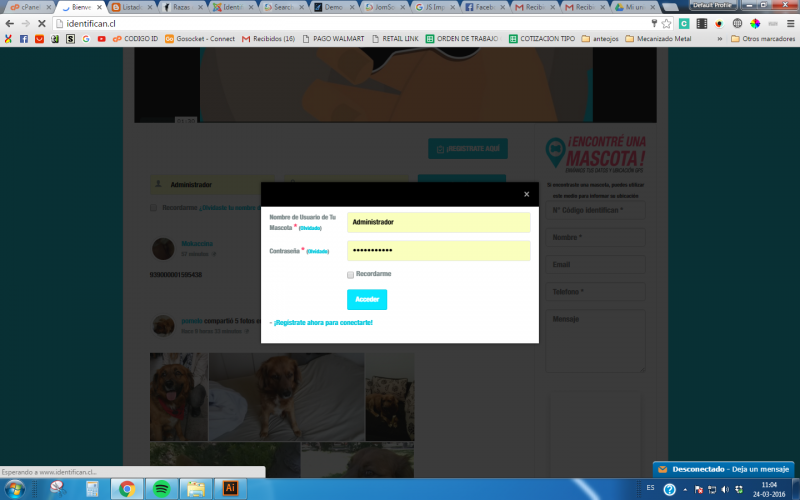
pop up window to login appears
Hi, Jonathan.
I assign developer to that thread.
- Instead of saying: 'it's not working', explain the problem in detail.
- Screenshots with the URL visible in them and the problem marked are more than welcome.
- Tell us how to replicate the problem, we can't fix it if we can't find it.
- Make sure that your site/server meets JomSocial System Requirements
- Make sure to setup JomSocial Cron Job
- Always provide us with access details to the backend and ftp. We need it to debug problems.
- If you have a similar problem, but a solution you found isn't working, open a new thread instead of 'merging' with an existing one.
- Use the "Thank You" feature on any post that helped you
-

- Dimas
- Visitor
- Thank you received: 0
Licenses:
Hi Jonathan,
I cant access your backend account, seems the username is wrong.. Can you provide me the correct one, please?
thank you!
-
- Dimas
- Visitor
- Thank you received: 0
Licenses:
Hi Jonathan,
Seems this is caused by cache issue, I already disable the Joomla cache and the popup is not showing now..
Anyway, I suggest you install 3rd party cache like JotCache, so you can control the cache very well with it.
thank you!
I still have this problem. When i try to open a photo of the acovity stream. The only way to fix it is pressing the button in jomsocial privay. To reset the privacy of the users.
Then i can see the photos without log in.
-
- Dimas
- Visitor
- Thank you received: 0
Licenses:
Hi Jonathan,
Please you try disable "Zend OPcache" on your server configuration, seems this issue caused by it.
thank you
I talked with the people of the server and they told me that i will have problems with the server if i disable the cache of the php. I have jotcache installed also.
And now sometimes says Undefined error when i open the photo as guess
-
- Dimas
- Visitor
- Thank you received: 0
Licenses:
That is different issue, this issue caused by non-www problem, to fix it you need redirect all non-www access to www
check this for the solution
stackoverflow.com/questions/12050590/red...w-to-www-in-htaccess
-
- Dimas
- Visitor
- Thank you received: 0
Licenses:
Hi,
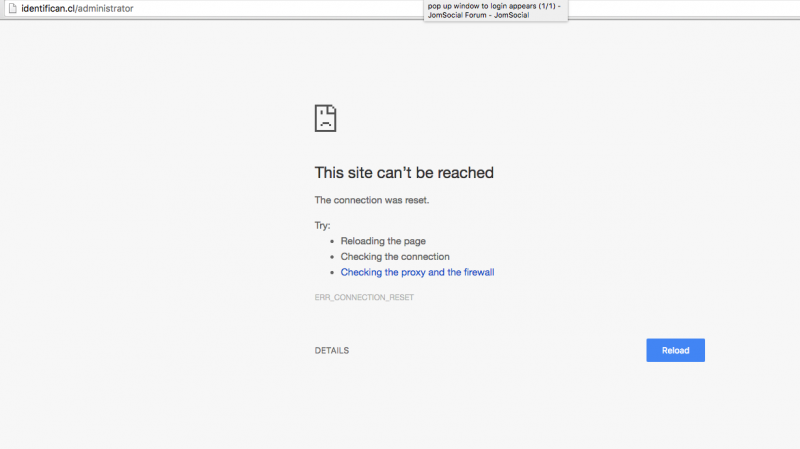
I cant access your site, can you check again please? I get issue like this "This site can’t be reached"
also I really curious, did you already disable "Zend OPcache"?
thank you
I added web access to the info again. No i dont have access to the whm. Only to cpanel. The people of the server said to my that is not recommended to disable this server cache. Please try to check the site.
I dont know if is a cache issue the last week i had problem with new members that said they have the avatar of another member.