Support Forum
Logged in status being dropped

ISSUE SUMMARY:
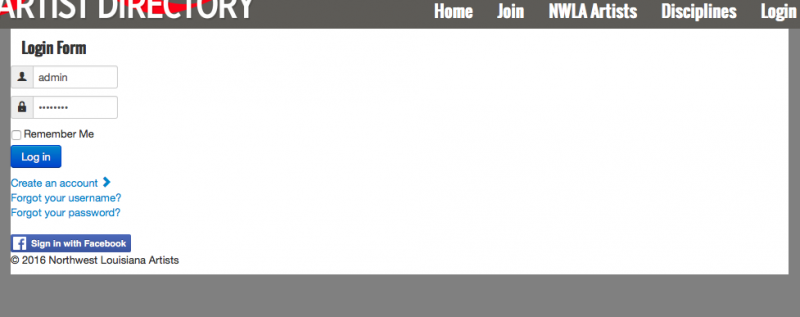
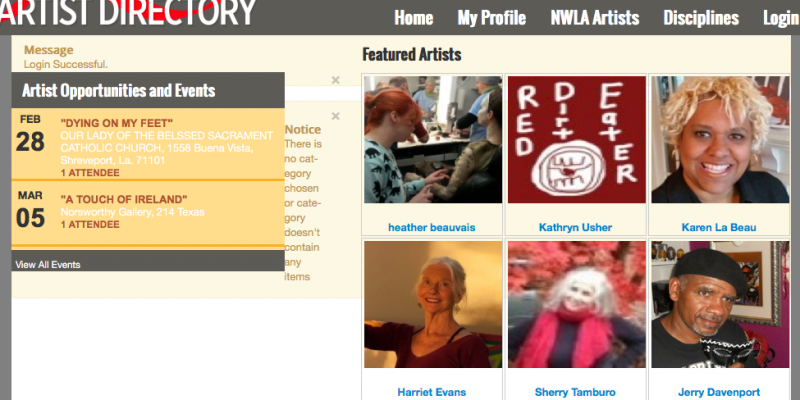
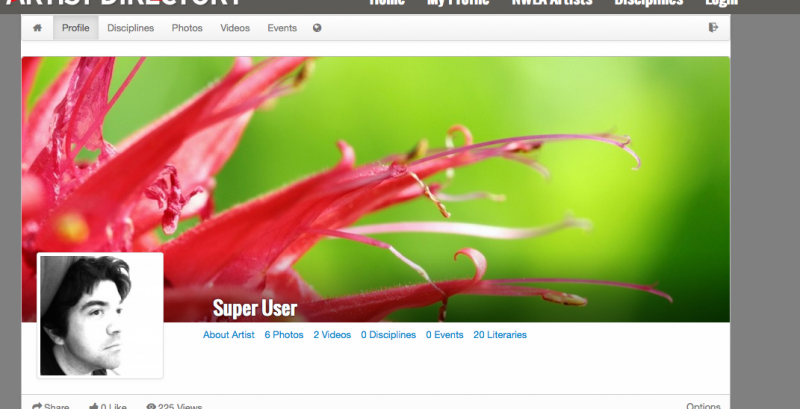
Whenever one of my users log in, it's successful. When they do, I've configured my main menu to change the 'Join' to 'My Profile.' When clicking on 'My Profile' after logging in, the user's login session is terminated and the system states that the user doesn't have permission to view that page.
STEPS TO REPLICATE:
1. Log in as either a user or an administrator, it happens to all permissions levels.
2. Click on 'My Profile.'
3 Read the message provided.
4 Note that if steps 1 and 2 are done again, the 'My Profile' link successfully takes the user to their JomSocial profile.
5
RESULT
User is foricbly logged out for no reason.
EXPECTED RESULT
Link should take the user to their JomSocial Profile.
BROWSER
All browsers
Thank you for the quick reply! I am now scratching my head...
I've had several users complain about this issue, and it's been persistent for a while now. When the aforementioned steps are taken, the following message is given.

Furthermore, as stated previously, the user is no longer logged in once this message is displayed.
Hi,
seem there is a joomla issue. please goto joomla backend > users > manage,
as you can see, some users having "empty" user group. e.g: Aaron Cox
please edit that user and set Assigned User Group to Registered.
Regards
Hi Albertus,
I did as you suggested, and the issue is still persisting. I suspect it may be a cookie setting issue, as a 2nd attempt at logging in yields the desired results. That is, unless, until you clear out your cookies or change to another computer. (Tested and confirmed on my end.)
Hi,
there is no issue with it:
seem the issue with user mistake. I saw my profile menu as external URL
you put www on it. when users visit your site without using www, logged in and click my profile menu, the URL become www.
and the session not belongs to www. this is joomla rule.
to tackle this issue I changed my profile menu item from external URL into menu alias.
Regards