Notice

The forum is in read only mode.

Support Forum

Welcome! Support Forums have been reactivated
Welcome the Technical Support section. Help us in assisting you by providing us with a concise and descriptive elaboration of your issues. Be specific and if possible, provide us with a step-by-step instruction in replicating your problem.

Dashboard wall -- show image when pasting website

11 years 4 months ago
  • Tiberiu's Avatar
    Topic Author
  • Tiberiu
  • Offline
  • Fresh Boarder
  • Posts: 6
  • Thank you received: 1
Licenses:
JomSocial Expired

ISSUE SUMMARY:
Hi we've noticed that images populated in the past when posting web addresses on the dashboard wall... but not longer seem to get a preview of the site loaded. can you please advise on how to fix this

STEPS TO REPLICATE:
1 copy http address
2 paste in dashboard wall
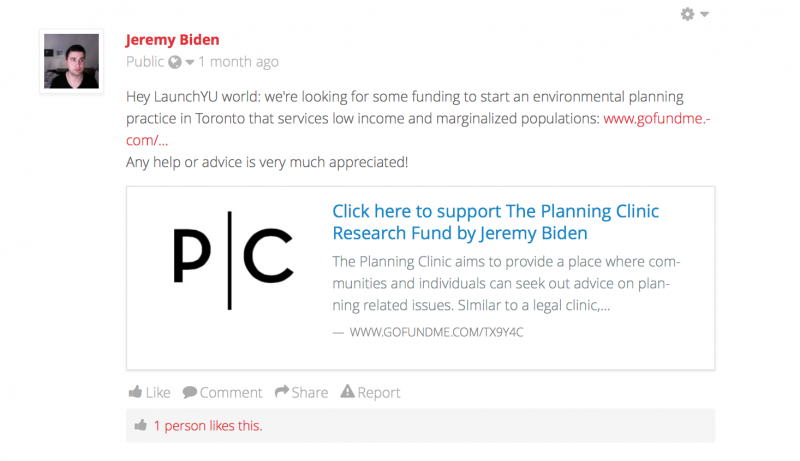
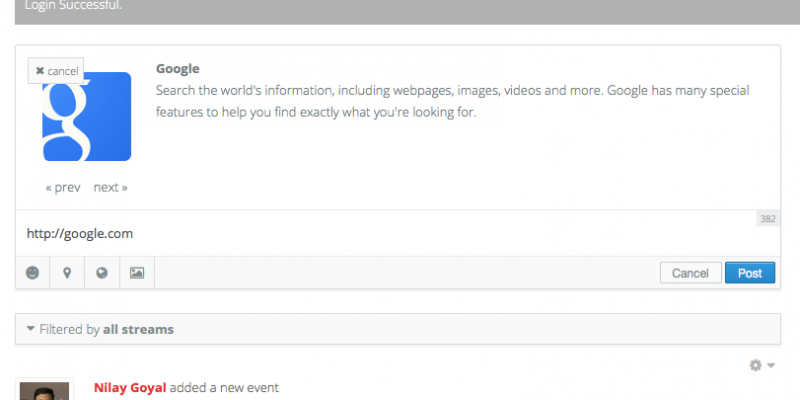
3 no image appears... we should see a thumbnail as in attached screenshot
4
5
RESULT not showing image
EXPECTED RESULT - show web thumbnail preview
BROWSER tried all
Attachments:
11 years 4 months ago
Licenses:

Hi Tiberiu,

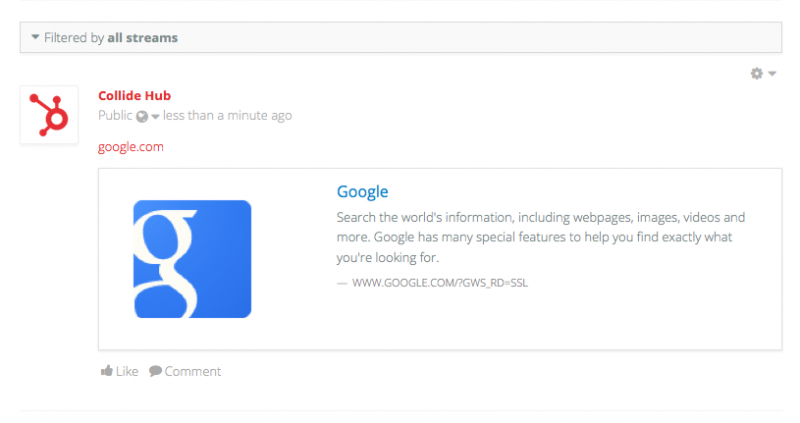
I tried with google.com. and there is no issue:


maybe I missing something? what URL that you used?

Regards

Attachments:
The following user(s) said Thank You: Tiberiu
11 years 4 months ago
  • Tiberiu's Avatar
    Topic Author
  • Tiberiu
  • Offline
  • Fresh Boarder
  • Posts: 6
  • Thank you received: 1
Licenses:
JomSocial Expired

Thanks -- seems to work. It does take 10+ seconds to load the site though -- is that normal?

11 years 4 months ago
Licenses:

Hi Tiberiu,

that loading time depend with your server performance.

Regards

11 years 4 months ago
  • Tiberiu's Avatar
    Topic Author
  • Tiberiu
  • Offline
  • Fresh Boarder
  • Posts: 6
  • Thank you received: 1
Licenses:
JomSocial Expired

everything else loads fast, so that does not address the sites taking 10+ second to populate.

11 years 4 months ago
Licenses:

Hi Tiberiu,

do you mean with taking 10+ is for "pasting website" at sharebox? if not, please open new topic for that.
if your site slow only at jomscial page, you need to maintain your server and database configuration, because at your site only jomsocial component having complex code.

you need to asking your server support for increase server performance especial at jomsocial pages.

Regards

11 years 4 months ago
  • Tiberiu's Avatar
    Topic Author
  • Tiberiu
  • Offline
  • Fresh Boarder
  • Posts: 6
  • Thank you received: 1
Licenses:
JomSocial Expired

after you type the site, it takes a long time for the site preview to populate (i.e. the loading icon animation stays on for a while) -- you can try it.

in regards to the server, which you keep going back to --- so if all other pages / features load within a reasonable time, with the exception of this -- you're saying I should start contacting the server host vs. making an attempt to see if there's a JomSocial issue

11 years 4 months ago
Licenses:

Hi Tiberiu,

at jomsocial 4 we have implemented limited support for Embed.ly so you can now fetch data faster. The implementation of this feature is only passive though. It helps JomSocial to gather and fetch data quickly rather than trying to display it in the fancy boxes that embed.ly provide.

embed.ly is free for up to 5,000 URLs a month. Check out their full pricing here: embed.ly/pricing

to enable embed.ly feature, go to JomSocial Backend -> Configuration -> Integrations -> Embed.ly -> Enabled = YES

Regards

Moderators: Piotr Garasiński
Powered by Kunena Forum

Join 180,000 websites creating Amazing communities

JomSocial is the most complete, easy-to-use addon that turns Joomla CMS into a
full -fledged, social networking site

TRY NOW BUY NOW