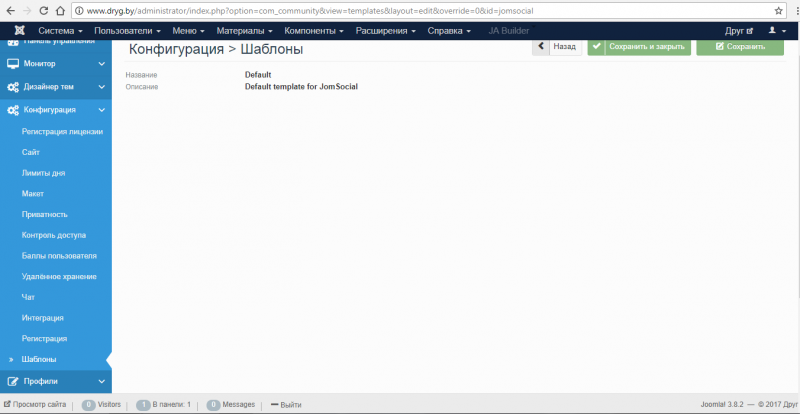
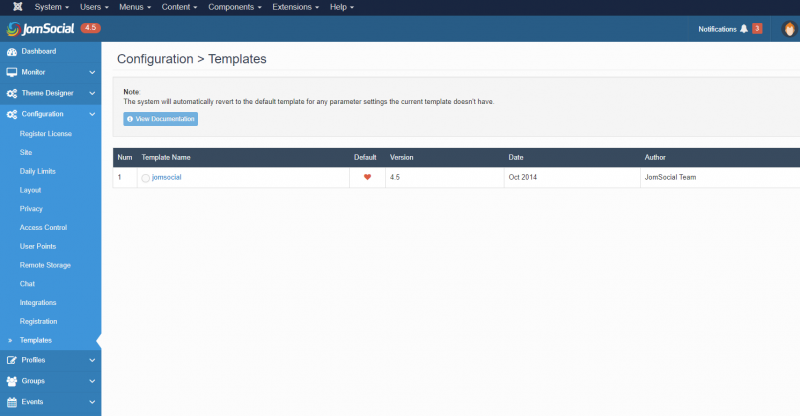
There should be at least one jomsocial template, so installation of JomSocial did not install properly. Try installing it again. It should look like screenshot/attachment. If template is not installed maybe some other parts of JomSocial are not installed as well, so the best way to solve this and any further issues, is to reinstall JomSocial.
Found: "Warning: This configuration is not available on newest JomSocial version 4.x.x"
learn.ijoomla.com/course/5-ijoomla-exten...s/42-jomsocial-hero# - This video is not relevant for version 4.5.
- If you wanna modify jomsocial coloring and theme, you can modify it from Jomsocial backend->Theme Managers
- If you wanna change the file and the code you can modify it from folde /components/com_community/templates/jomsocial/