The forum is in read only mode.
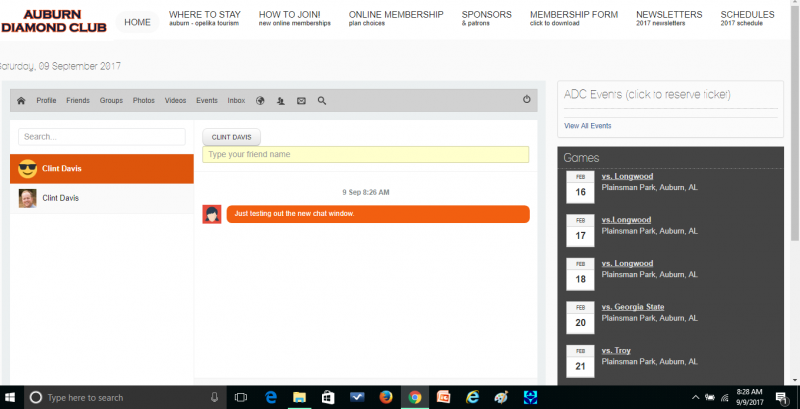
Now that the chat system works. When you start a chat the input box falls out of the screen on desktop and mobile. See attached. Can the window that displays the chat be made smaller?
When it comes to default avatar in new chat it will be fixed. www.jomsocial.com/forum/modules-plugins-...7364-3-issues#178919
As for "New Chat"... better to not touch js scripts. I reported that issue so we should have fix ASAP... it may be in more than one file though.
.joms-chat__conversations-wrapper{ width: 35%;}
JomSocial is the most complete, easy-to-use addon that turns Joomla CMS into a full -fledged, social networking site
TRY NOW BUY NOW