Support Forum
can't upload photos in jomsocial albums - results in "upload error 1"
-

Topic Author - Jim Capraro
- Offline
- Fresh Boarder
- Posts: 47
- Thank you received: 2
Licenses:
JomSocial Active
ISSUE SUMMARY:
STEPS TO REPLICATE:
1 Try to add jpg to jomsocial photo album - click on add file
2 photo doesn't upload and upload failed message appears due to upload error 1
3
4
5
RESULT
EXPECTED RESULT
BROWSER
Hi,
the issue can be from server or joomla configuration issue.
to know what exactly causing this issue. I need to login to site backend/administrator, but I cant.
please edit your first post and make correction at site info form. make sure you provide me super user access level.
Regards
-
Topic Author - Jim Capraro
- Offline
- Fresh Boarder
- Posts: 47
- Thank you received: 2
Licenses:
JomSocial Active
albertus - sorry, the password for my cpanel login was an old password. I've edited the first post with the new password you should be ablle to gain access now.
Jim Capraro
-
Topic Author - Jim Capraro
- Offline
- Fresh Boarder
- Posts: 47
- Thank you received: 2
Licenses:
JomSocial ActiveAlso, Albertus, there used to be a way that you could turn on "drag and drop" to upload images - but after searching for it I can't find it. Can you tell me how?
Hi,
sorry. I still cant login to joomla backend:
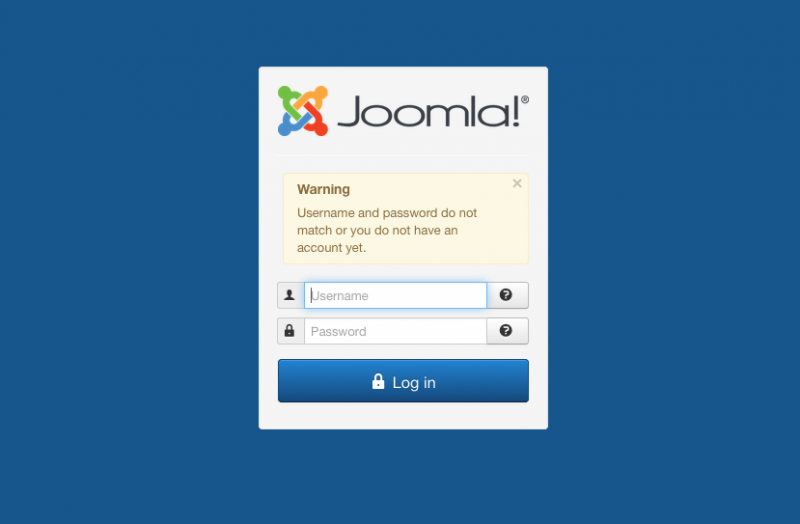
not sure what hapening, why that login detail still invalid. better please send it to my email: This email address is being protected from spambots. You need JavaScript enabled to view it.
(username and password in case sensitive)
FYI:
jomsocial doesn't have that drag and drop feature for photos upload.
Regards
-
Topic Author - Jim Capraro
- Offline
- Fresh Boarder
- Posts: 47
- Thank you received: 2
Licenses:
JomSocial ActiveAlbertus - I've been sending you the server/cpanel login password, no wonder it didn't work. The password for the joomla administrator backend is: !boodle****?
Hi,
sorry, I can logged in now. I tried to upload JPG file at photo album, and not able to replicate the issue.
but my opinion, the issue because file size.
regarding your PHP configuration:
post_max_size 8M
upload_max_filesize 2M
so your site only able to upload 2M file size, but at jomsocial configuration you put 100M.
please chaingin your PHP configuration and increase that number for post_max_size and upload_max_filesize to any higher number.
and changing max_execution_time to 3000
you can asking your server support about how to changing PHP configuration at they server.
Regards