Support Forum
Video Album Settings
Ok, i am here again...
This is about Video album colums:
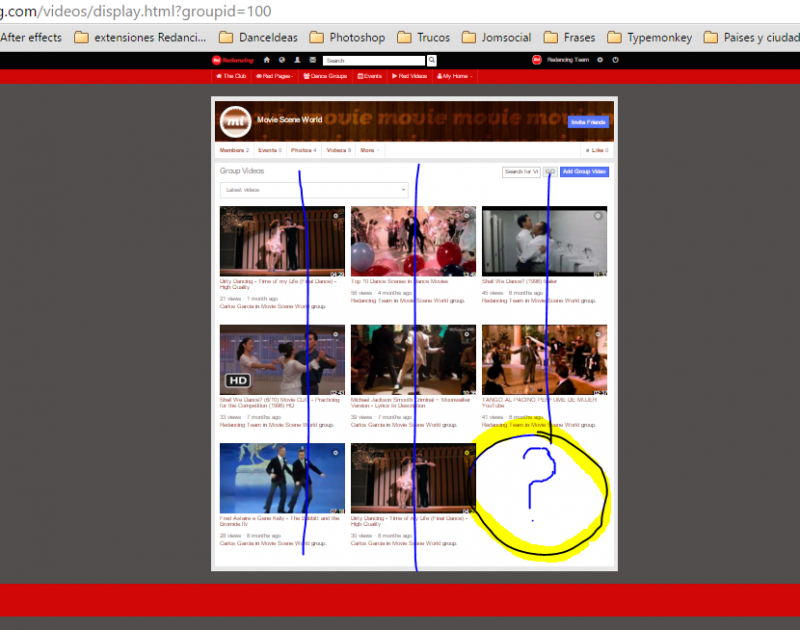
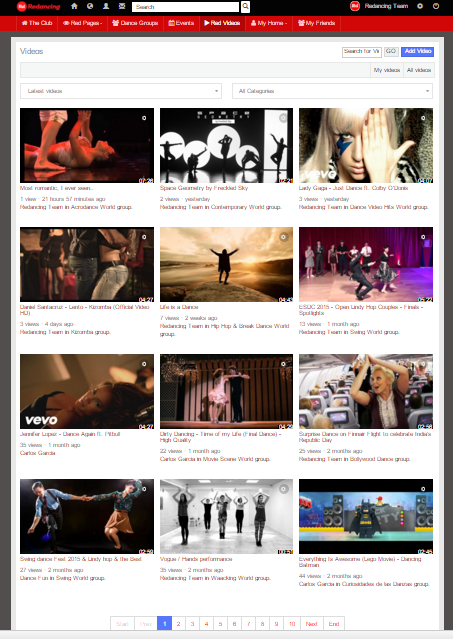
By Default i have 3 colums and 3 rows BUT the last Thumbail ( 3x3) doesnt appear.
How can i add one more Thumb?
(Screen shot VideoAlbum1)
*****
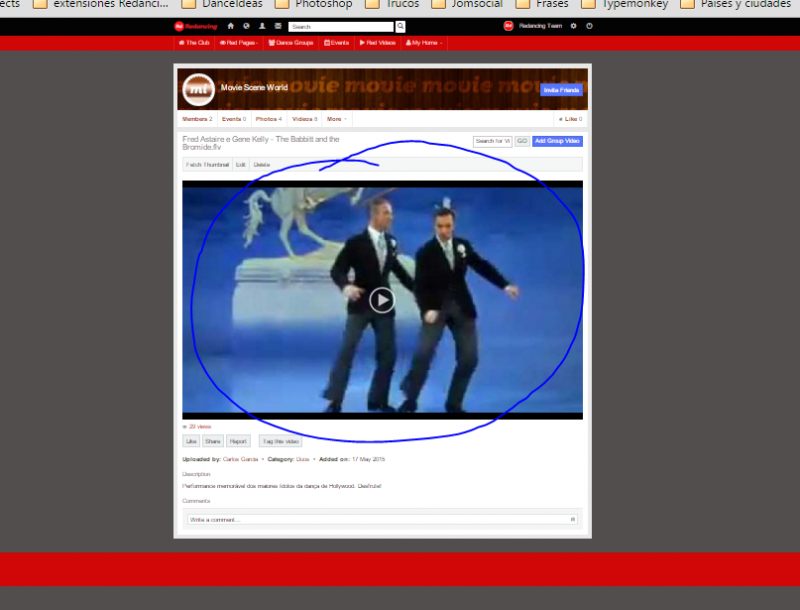
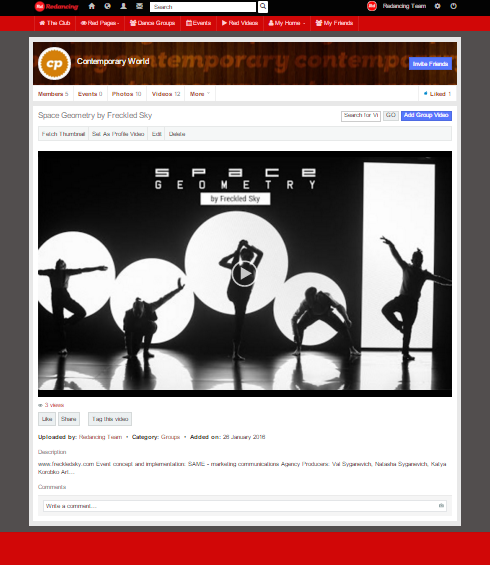
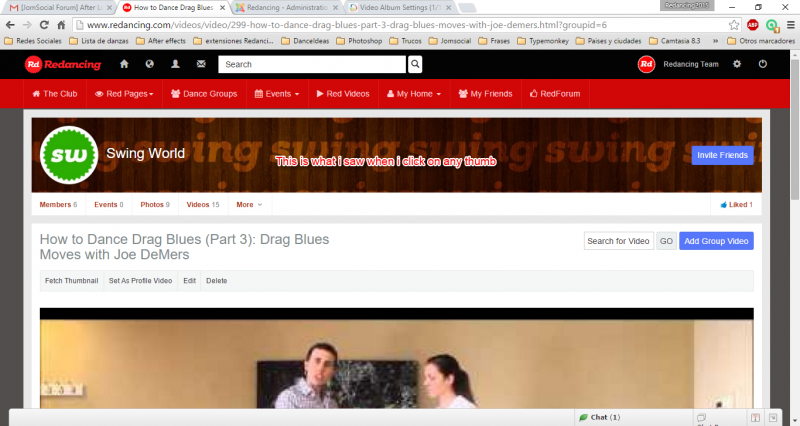
Then once i click on the video thumbail that i want to watch open in a VERY BIG view.
How can i resize that?
(Screen shot VideoAlbum2)
*****
Last!:
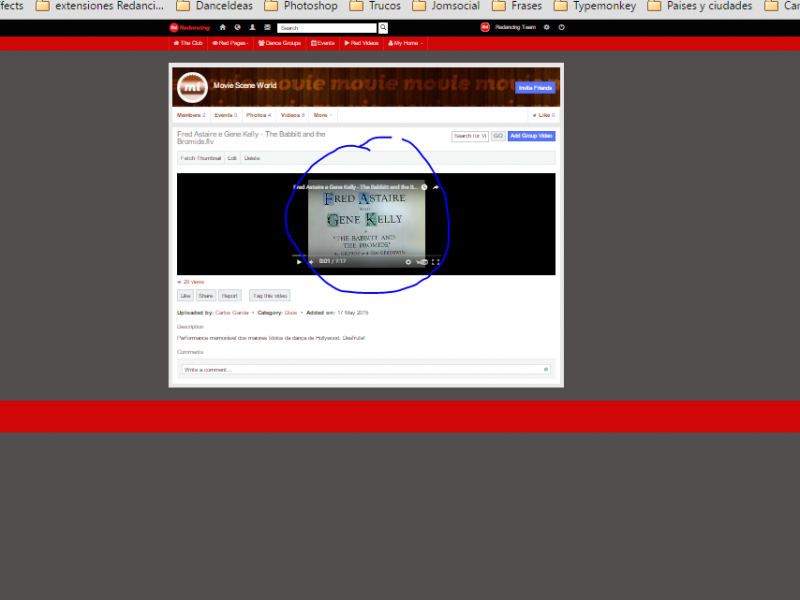
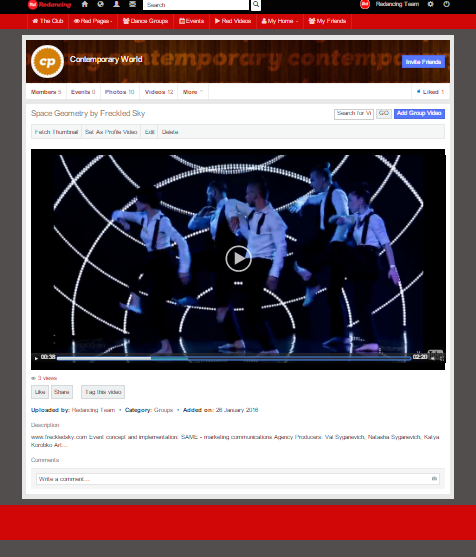
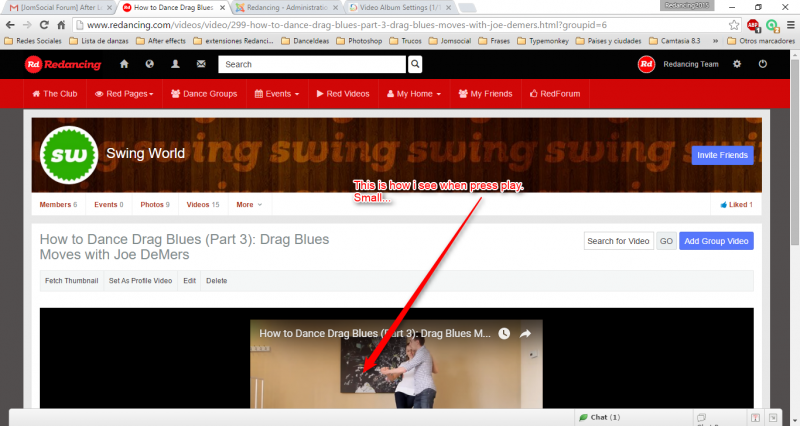
Once i click on the video (after BIG SIZE), the video is too small, jajajajaja.... SORRY!!!!
(Screen Shot VideoAlbum3)
*****
Where is the root to fix that?
Wich code i must to change?
Thank you very much to be there, i tried to find Documentation but i didnt get it.
-

- Dimas
- Visitor
- Thank you received: 0
Licenses:
Hi,
Do you mean you want to make the video thumb and video player smaller? You can set it from Jomsocial backend->Videos->video settings, set "Video Size" and "Video thumbnail size"
thank you!
Hi Dimas!
Well, i am talking about Video Album. But not the thumbails, i say ones go:
www.redancing.com
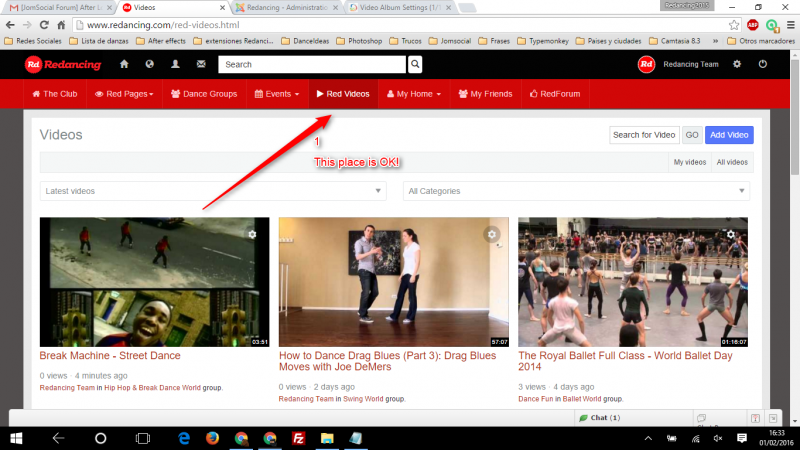
1) Red Videos (ok)
2) Click on any video (there appear very BIG)
3) Click on the Video (Still very BIG)
I "touch" the settings on my back end but nothing change...
On main stream is perfect! i play with the .css code.
I am needing on the 3 point that i mentioned.
Thank you!!!!!!!!!!
-
- Dimas
- Visitor
- Thank you received: 0
Licenses:
I suggest you provide me the screenshoot for this, so I understand it better
Hola Dimas!!!!
Here i am trying to explain you better.
1) Ok, Step one: OK, here i have no problems: Picture Video Size 1
2) See the Screen shot. That is what i see. Too BIG: Picture Video Size 2
3) When i press play the Video size is too small: Picture Video Size 3
I tried to change from my Back admin but nothing change, only modify the custom.css that i have (you give me this) and i am so happy with those settings what you can see Video Size & Thumbs on my main page "The Club".
So, my problem is after "Red Videos" , ones you click on any thumb and see what happend ones after you press play.
(sorry, i do not know how be clear enough)
Hug and thank you !
-
- Dimas
- Visitor
- Thank you received: 0
Licenses:
Hi,
I changed the video player to media element, and the size is bigger now.
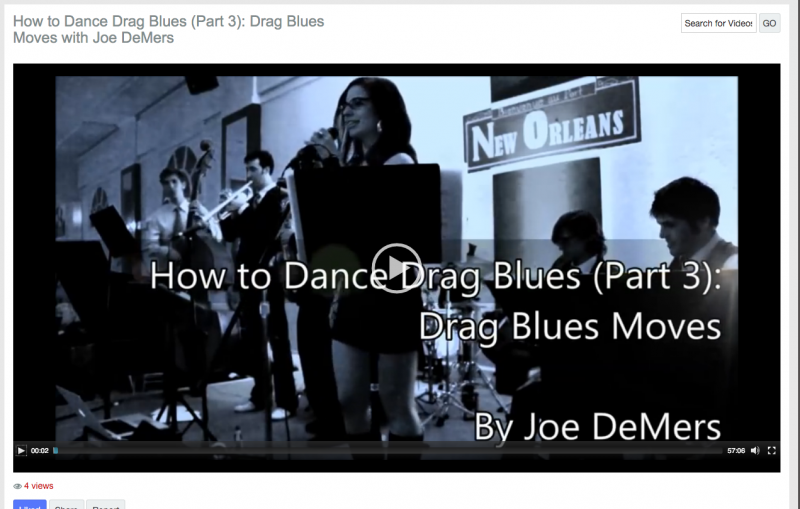
if you see some of video on small size, it can be cache issue, so please you clear the cache first.
currently we have bug with native player configuration, the size always smaller than the configuration.. but I already reported this to our developer.
thank you
Dimas!!!
Well, thank you men!
Finally i resolved adding some modules on "All Videos" and in that way i can resolve the way to fix the size of the video in a way to let the users watch the entire video on any screen...
Big Hug!
J.C.