Support Forum
Photo album displaying low.
ISSUE SUMMARY:
Hello. We installed Jomsocial 4.1.4 as a test on a saparet server and we have an issue with photo album displaying.
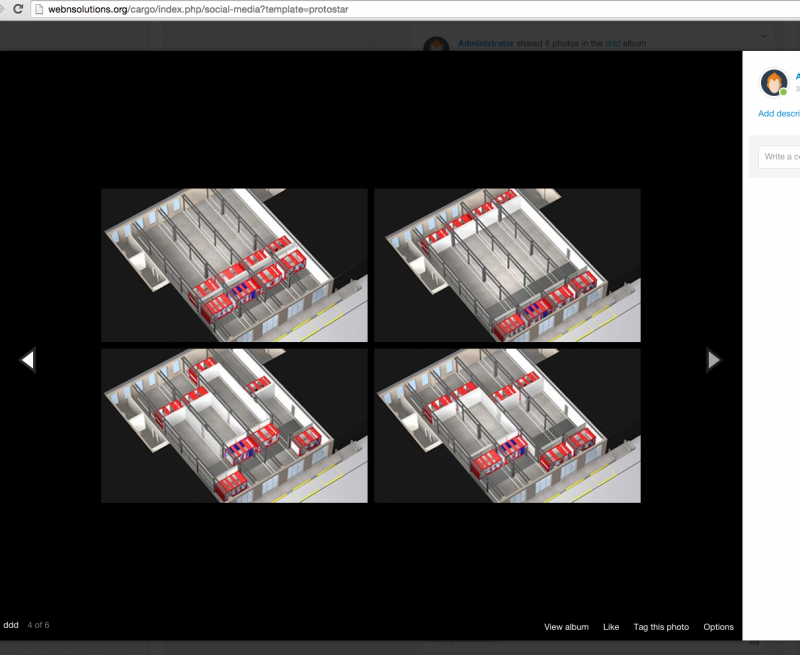
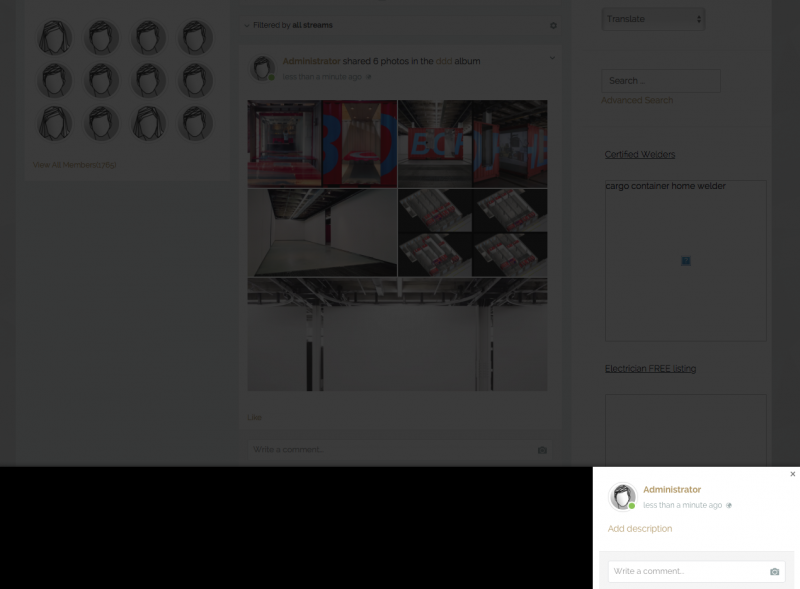
Wen you click on any album it show the light box saying LOADING but the actual album is displaying very low. (see Screenshot)
You need to scroll up to see it. The same thing happens with any message box that opens in the light box.
Please help. Thanks
-

- Dimas
- Visitor
- Thank you received: 0
Licenses:
Hi Moshe,
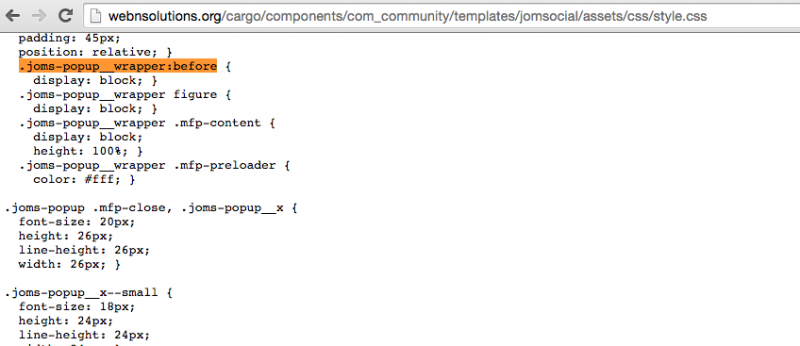
Your have conflict with another modal code, for fixing this I already modified this file components/com_community/templates/jomsocial/assets/css/style.css, changed this code :
.joms-popup__wrapper:before {
    display: none; }
to :
.joms-popup__wrapper:before {
    display: none !important; }
I see the album now but no arrows to navigate.
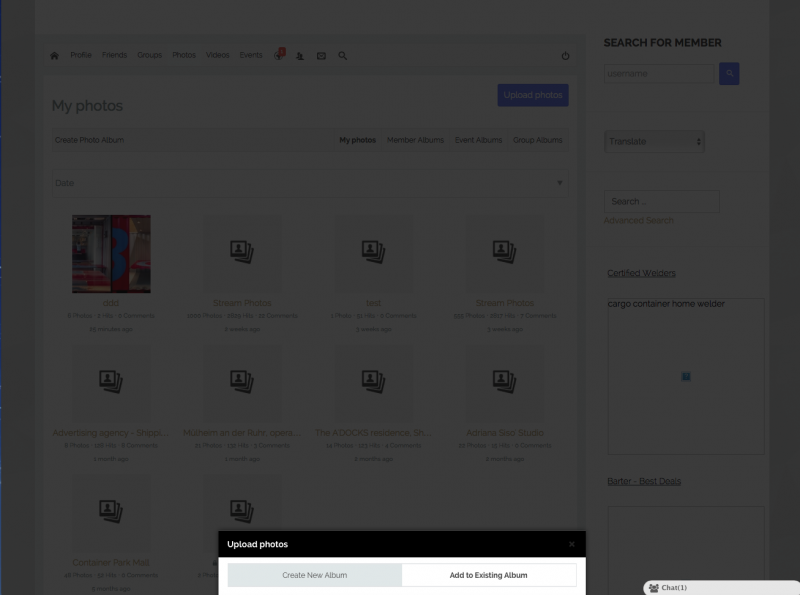
Also when I click on the edit album icon on the top right of the image and select Upload Photos,
The same issue happened. The UPLOAD PHOTOS window in the light box is hiding below.
It is the same case when any form opens in a light box. See image.
Thank you
-
- Dimas
- Visitor
- Thank you received: 0
Licenses:
Hi Moshe,
Can you apply my code above (
www.jomsocial.com/forum/photos-videos/31...isplaying-low#152244
), please? I tried modify it, but its not effected at all..
thank you
Hello.
I am still struggling with some issues.
1.. Image album displaying low and hiding
2.. Image album is not displaying navigation arrows.
I have installed and updated version 4.1.4 of jomsocial and 3.4.8 joomla on our test website . After upgrading, Jomsocial broke some functionality and it is not working. AJAX is not calling on click function when clicking on image album. Please go to the Image Album in published post, you will find that the pop up is not displaying in exact location where he should display, and no slider's Arrows are showing to navigate the images. {Right / Left} .
See the screenshot :
prntscr.com/9pnl65
Please let me know if you can fix it and let me know what was the fix so we can apply it to the live site.
Thank you
M.
HI, MOshe.
Dimas already provided you a fix and explained where to use it, here:
www.jomsocial.com/forum/photos-videos/31...isplaying-low#152244
Please, apply it on your site.
- Instead of saying: 'it's not working', explain the problem in detail.
- Screenshots with the URL visible in them and the problem marked are more than welcome.
- Tell us how to replicate the problem, we can't fix it if we can't find it.
- Make sure that your site/server meets JomSocial System Requirements
- Make sure to setup JomSocial Cron Job
- Always provide us with access details to the backend and ftp. We need it to debug problems.
- If you have a similar problem, but a solution you found isn't working, open a new thread instead of 'merging' with an existing one.
- Use the "Thank You" feature on any post that helped you
Thank you.
We have apply the code as you can see in the screenshot.
prntscr.com/9qb1rc
We see the popup with one image but no arrows to navigate to other images in the same album.
Please see this image that shows now arrows displaying.
prntscr.com/9qb2y9