Welcome the Technical Support section. Help us in assisting you by providing us with a concise and descriptive elaboration of your issues. Be specific and if possible, provide us with a step-by-step instruction in replicating your problem.
ISSUE SUMMARY:
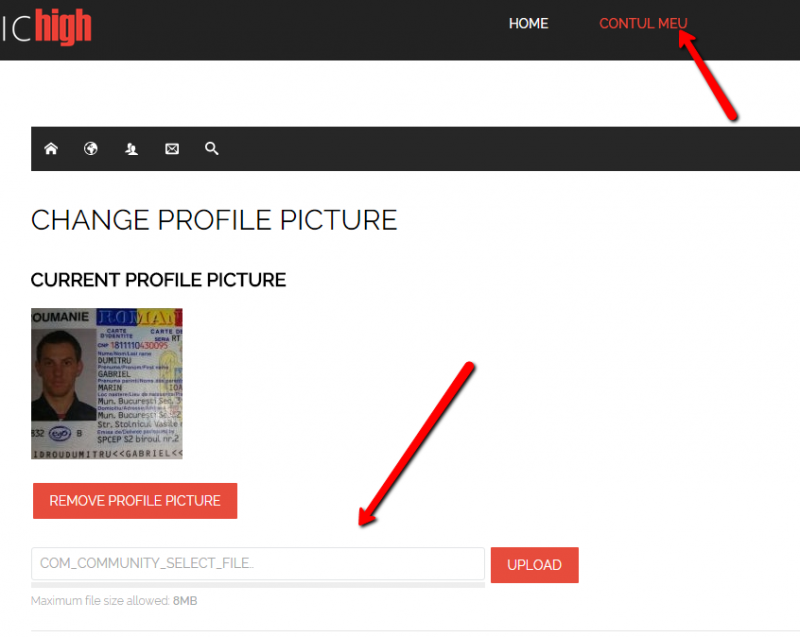
During registration (as well as during the change avatar option in the profile), the user can select an image to upload it in the avatar position, but after pressing UPLOAD, it doesn't load it and nothing happens. The image is not uploaded.
STEPS TO REPLICATE:
1 Click on Login in the upper right
2 Create an account
3 Observe that you cannot upload image
RESULT Image is not uploaded
EXPECTED RESULT Image must be able to be uploaded in the avatar placeholder
BROWSER Chrome and Firefox
I have changed from Registered to Public and the problem still happens.
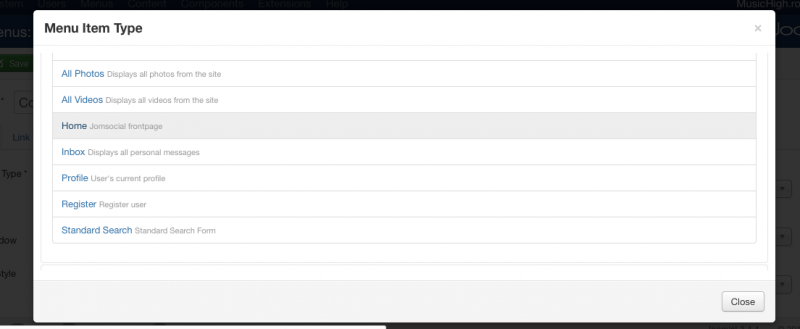
Please access it and check to see, because I have changed the Jomsocial menu item as public.
there is no jomsocial home as entry page at main menu item.
Contul meu as profile, please edit that menu item and set Contul meu as jomsocial frontpage/home
Thanks, this makes the users upload the avatar image from the profile homepage. But please look at the image, if the user accesses the profile through Edit profile > Change avatar, he can't change the image and also that line of code is present. Can you please further help?
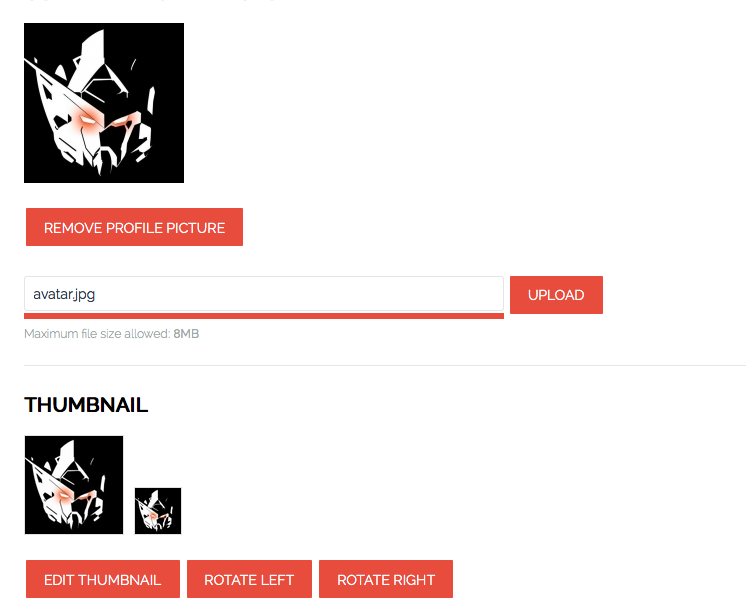
I cant change the avatar from edit profile without any issue:
and I put language fixes at joomla language overrides at backend. seem jomsocial language file at your site not up to date.
do you made any customization?