Welcome the Technical Support section. Help us in assisting you by providing us with a concise and descriptive elaboration of your issues. Be specific and if possible, provide us with a step-by-step instruction in replicating your problem.
How to disable Photos, Videos and User Profile views without login

How to disable Photos, Videos and User Profile views without login into my account.
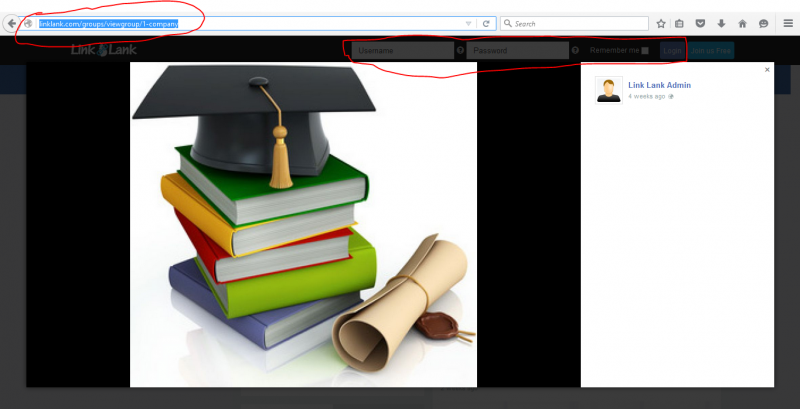
If any users click the links of any images or videos shared from our site to any other social medias, that should direct them to login first. Not showing them.
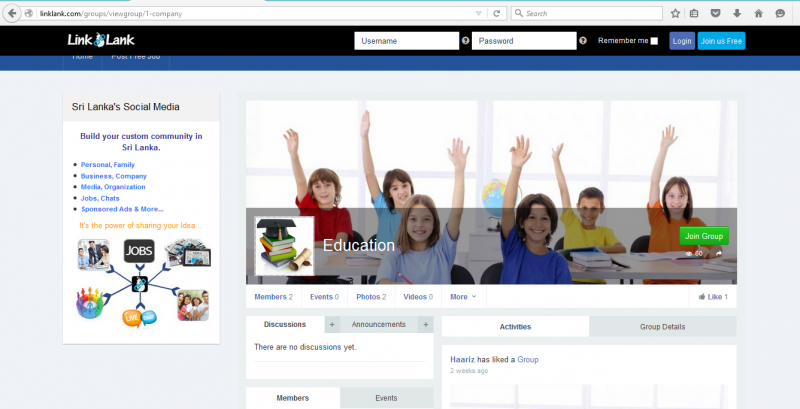
See the screen shots.
STEPS TO REPLICATE:
1
2
3
4
5
RESULT
EXPECTED RESULT
BROWSER
you need to make that group as private. if public, all site visitor can see it, because its public.
if you make menu item access level to registered at jomsocial toolbar menu, at registration process user cant upload they avatar.
for wall, the only way you need to hide that stream to public. please goto jomsocial backend > configuration > layout, and set Show Activity Stream to members only.