Notice

The forum is in read only mode.

Support Forum

Welcome! Support Forums have been reactivated
Welcome the Technical Support section. Help us in assisting you by providing us with a concise and descriptive elaboration of your issues. Be specific and if possible, provide us with a step-by-step instruction in replicating your problem.

post not showing

10 years 4 weeks ago
Licenses:
JomSocial Active

ISSUE SUMMARY:


STEPS TO REPLICATE:
1 post
2
3
4
5
RESULT cant ssee them
EXPECTED RESULT they shold showup
BROWSER

10 years 4 weeks ago
  • Dimas's Avatar
  • Dimas
  • Visitor
  • Thank you received: 0
Licenses:

Hi Rock,

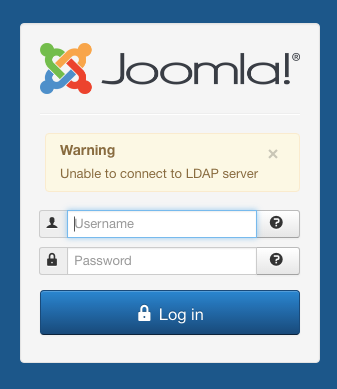
You created some duplicates topic for same issue, please you focus on one topic.. we try to help you but your backend is not working, please check again..


thank you!

Attachments:
10 years 4 weeks ago
Licenses:
JomSocial Active

this really didn't answer my question. the login is not a problem at this point.
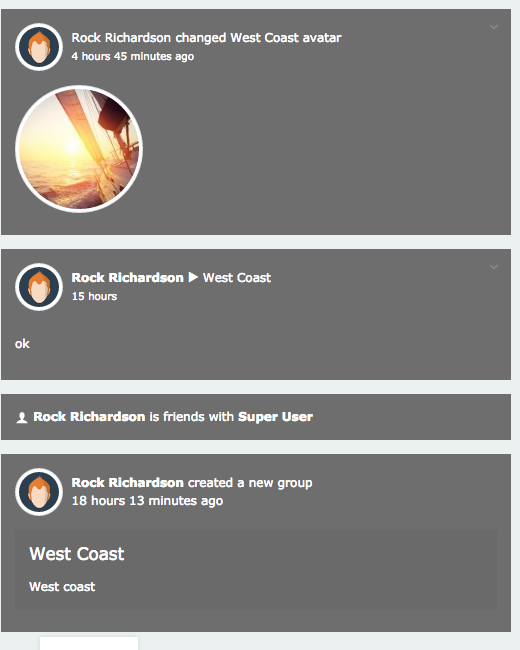
my real problem is not being able to see the posts. i went into config but unable to change the text color from
white to black.. i can change the background of the steam to black and i can read them because the the text is white whichn i cant change

10 years 4 weeks ago
  • Dimas's Avatar
  • Dimas
  • Visitor
  • Thank you received: 0
Licenses:

Hi,

are you using LDAP plugin? if yes please disable it, so I can login to your backend.. I need to check the configuration..

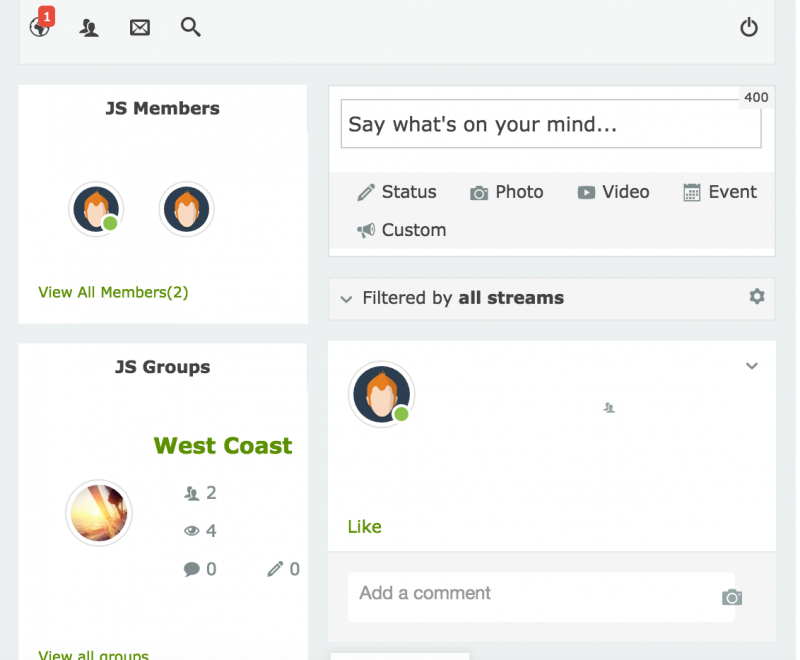
regarding the post on stream I able to see them


or maybe you provide me the screenshoot what do you get there, please? :)

thank you

Attachments:
10 years 4 weeks ago
Licenses:
JomSocial Active

go to ownersandcre.com use ownersandcrew passwod rock1241

10 years 4 weeks ago
Licenses:
JomSocial Active

iimage 1 white on white. when i edit the post they show up until i save them

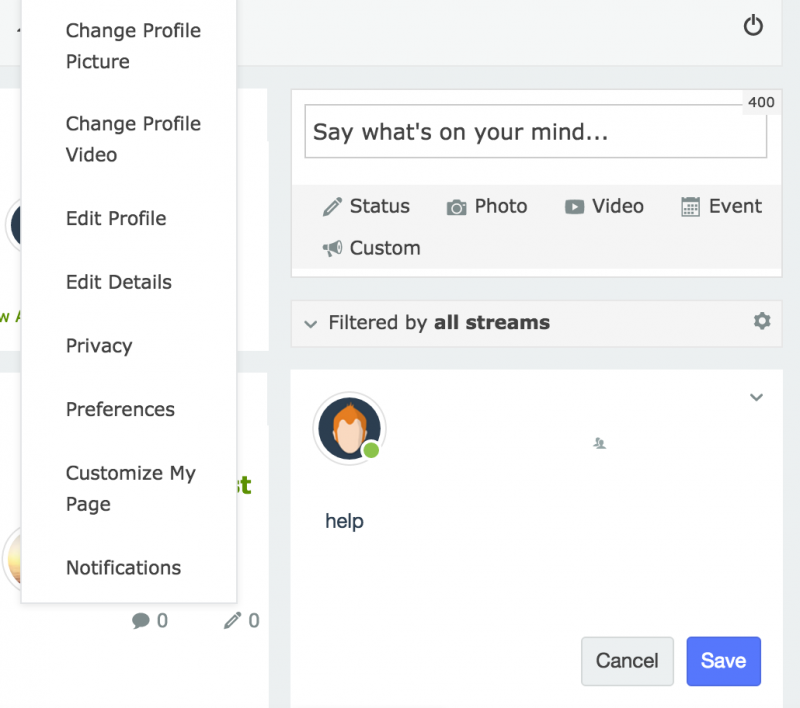
i can not change the text color

Attachments:
10 years 3 weeks ago
  • Dimas's Avatar
  • Dimas
  • Visitor
  • Thank you received: 0
Licenses:

This is conflict with your joomla template, to fix it you need edit this file templates/jsn_metro_pro/css/template_pro.css, change this code :

color: #FFF !important;
to :
color: #000 !important;

and this code :
.joms-stream__header .joms-stream__meta span {
    color: #fff;
}
to :
.joms-stream__header .joms-stream__meta span {
    color: #000;
}

for further information I suggest you contact your joomla template developer jsn_metro_pro

10 years 3 weeks ago
Licenses:
JomSocial Active

thanks
that fixed it

Moderators: Piotr Garasiński
Powered by Kunena Forum

Join 180,000 websites creating Amazing communities

JomSocial is the most complete, easy-to-use addon that turns Joomla CMS into a
full -fledged, social networking site

TRY NOW BUY NOW