Support Forum
Can go into Jomsocial.com

Hello there.
Well rare situation here.
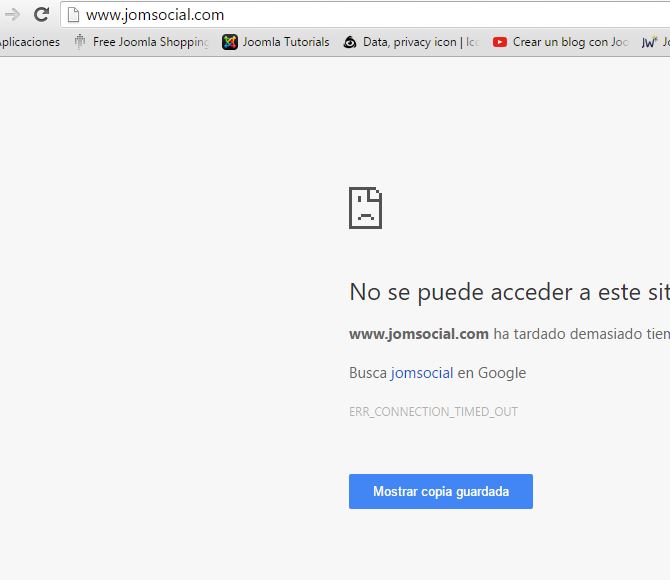
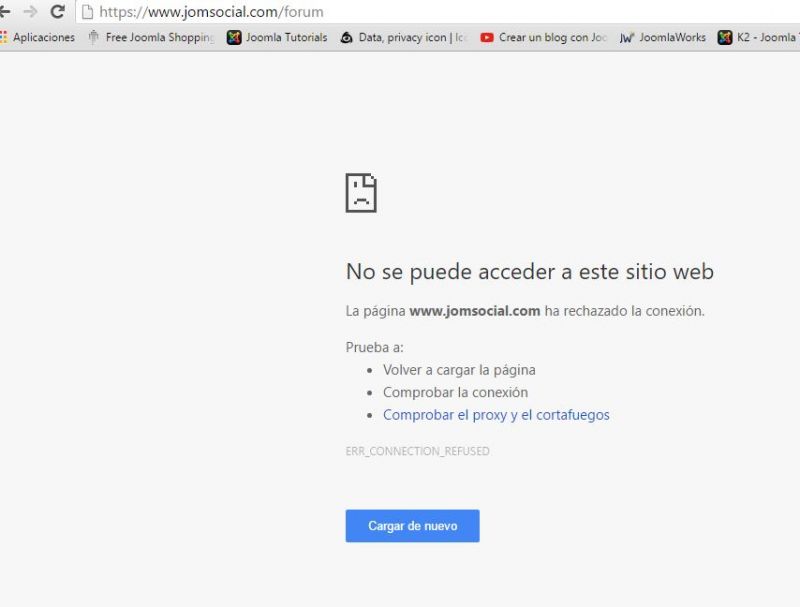
Since yesterday night i can not go into Jomsocial.com
I did this process:
File Attachment:
File Name: jomsocialredirect_2016-05-09.zip
File Size: 3 KB
unzip and put it at:
/plugins/system/jomsocialredirect/
And now when i want to go i cant, if i am here is because i turned on my VPN system...
A friend of mine has not problem from his hoouse.
I know is about wifi connection.
On my phone works with 4g connection but not with wifi...
Could you helpme?
Thank you very much!!!
Hi.
Does multitool CTRL+F5 helps?
- Instead of saying: 'it's not working', explain the problem in detail.
- Screenshots with the URL visible in them and the problem marked are more than welcome.
- Tell us how to replicate the problem, we can't fix it if we can't find it.
- Make sure that your site/server meets JomSocial System Requirements
- Make sure to setup JomSocial Cron Job
- Always provide us with access details to the backend and ftp. We need it to debug problems.
- If you have a similar problem, but a solution you found isn't working, open a new thread instead of 'merging' with an existing one.
- Use the "Thank You" feature on any post that helped you
Michal...
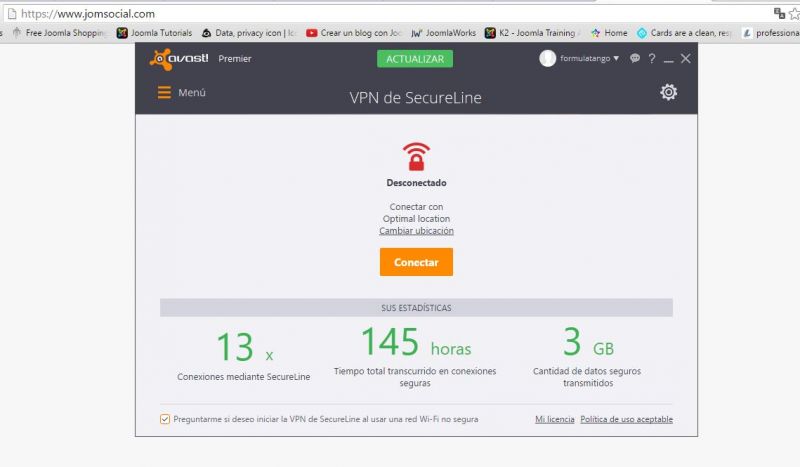
When i am connected on VPN mode works...
When i am not , doesnt..
I tried multitool CTRL+F5 helps but nothing happend.
Its rare because all other pages orks fine. Actually i am working on Redancing normally...
I just worried to be into JS community.
I tried on Chrome, IE, Firefox and in all happened the same.
Hi.
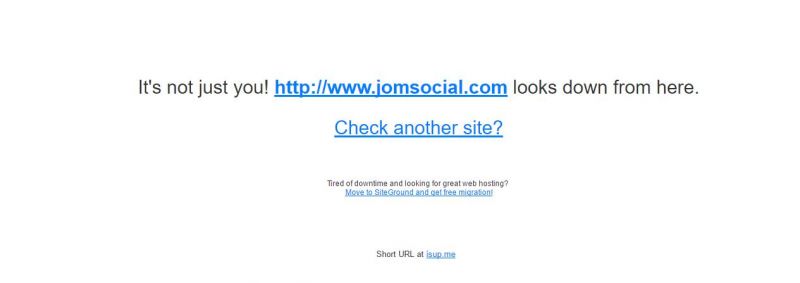
Please, try this service:
www.downforeveryoneorjustme.com/
It will check if service is available... or just you have issues with connecting it.
I can reach our site with ease... so there must be problem in your network. Some filters?
Please, contact with your hosting provider...
- Instead of saying: 'it's not working', explain the problem in detail.
- Screenshots with the URL visible in them and the problem marked are more than welcome.
- Tell us how to replicate the problem, we can't fix it if we can't find it.
- Make sure that your site/server meets JomSocial System Requirements
- Make sure to setup JomSocial Cron Job
- Always provide us with access details to the backend and ftp. We need it to debug problems.
- If you have a similar problem, but a solution you found isn't working, open a new thread instead of 'merging' with an existing one.
- Use the "Thank You" feature on any post that helped you
Hi.
Strange. Try without www:
i.imgur.com/HUexPAz.png
- Instead of saying: 'it's not working', explain the problem in detail.
- Screenshots with the URL visible in them and the problem marked are more than welcome.
- Tell us how to replicate the problem, we can't fix it if we can't find it.
- Make sure that your site/server meets JomSocial System Requirements
- Make sure to setup JomSocial Cron Job
- Always provide us with access details to the backend and ftp. We need it to debug problems.
- If you have a similar problem, but a solution you found isn't working, open a new thread instead of 'merging' with an existing one.
- Use the "Thank You" feature on any post that helped you
Dear Michal... nothing... its so rare right?
And most rare is because only jomsocial.com is my problem...
Could be something on system.php what i needed to change for fix the log in issue after upgrade to 4.2???
I dont know, i just want to help....
HI.
Any upgrades in you Joomla! site and JomSocial just CAN'T have effect on your Internet connection. So no file upload can have any influence. So steps you provided are irrelevant to issue you have :)
Files that you uploaded have effect only on your site and it does redirect (mainly log and logouts) ONLY there.
I'll compare it to email attachment upload. Can email attached file do anything with your Internet connection? Unless it's not a virus or any malware - it can't.
So no, you should contact with your hosting provider and report this issue.
Maybe you have some URL blocked or filtered out?
I don't have any clues as this is your network issue...
- Instead of saying: 'it's not working', explain the problem in detail.
- Screenshots with the URL visible in them and the problem marked are more than welcome.
- Tell us how to replicate the problem, we can't fix it if we can't find it.
- Make sure that your site/server meets JomSocial System Requirements
- Make sure to setup JomSocial Cron Job
- Always provide us with access details to the backend and ftp. We need it to debug problems.
- If you have a similar problem, but a solution you found isn't working, open a new thread instead of 'merging' with an existing one.
- Use the "Thank You" feature on any post that helped you