Welcome the Technical Support section. Help us in assisting you by providing us with a concise and descriptive elaboration of your issues. Be specific and if possible, provide us with a step-by-step instruction in replicating your problem.
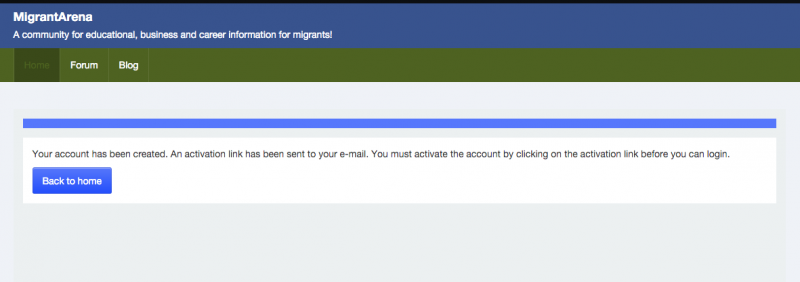
ISSUE SUMMARY: After the JomSocial upgrade to v4.1.6, new user registration using the login form cannot be completed due to captcha error "The words you typed did not match the ones displayed. Please try again", please see attached screenshots. Captcha - ReCaptcha is still set as the default captcha in the Site Settings on the Global Configuration screen. The Captcha - ReCaptcha plugin is enabled with the appropriate keys added and Nocaptcha is also enabled on the JomSocial Configuration Site page. Your assistance will be appreciated.
STEPS TO REPLICATE:
1 Click on the "Join us" button on the website (test.migrantnetwork.com)
2 Complete the pages 1 and 2 of the registration form
3 Click on "Next"
4
5
RESULT Allow user to register
EXPECTED RESULT Receives the error "The words you typed did not match the ones displayed. Please try again"
BROWSER Google Chrome, Firefox, Microsoft Edge