Support Forum
Problem updating to 4.1.5
Hi, Yves.
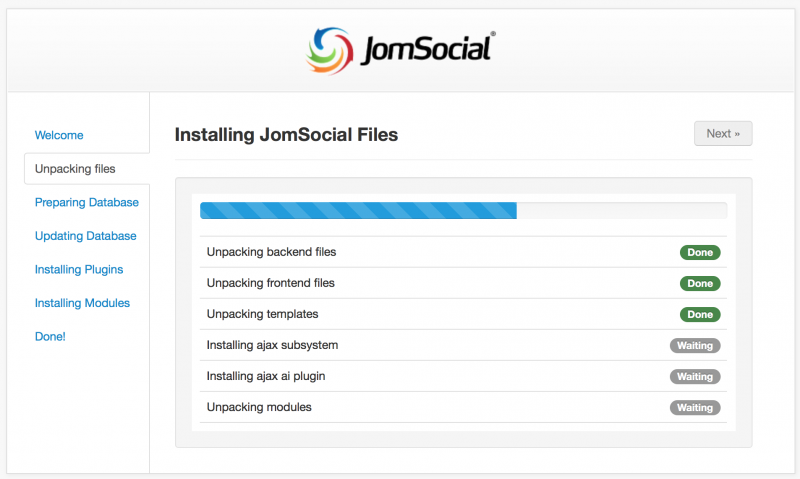
1. Installation can't be finished due to server error 500:
i.imgur.com/mUpdsD9.png
Please, contact with your hosting provider and ask for server error log. Link it on forum.
2. Please, install iJoomla Installer from latest JomSocial package and check again. Please, post if it won't solve your issue. Recently we had few similar reports and we still investigate root cause of it.
- Instead of saying: 'it's not working', explain the problem in detail.
- Screenshots with the URL visible in them and the problem marked are more than welcome.
- Tell us how to replicate the problem, we can't fix it if we can't find it.
- Make sure that your site/server meets JomSocial System Requirements
- Make sure to setup JomSocial Cron Job
- Always provide us with access details to the backend and ftp. We need it to debug problems.
- If you have a similar problem, but a solution you found isn't working, open a new thread instead of 'merging' with an existing one.
- Use the "Thank You" feature on any post that helped you
Hi Michal
I can ask my server admin to look at it (I have it on a dedicated server) but I tried to install JS 4.1.5 on another extension of the domain name on the same virtual server and it works fine. Let me know if you think it is still useful I ask him that error log (or is it simply the error log file within the joomla folders?).
About the Joomla installer, I also run the iJommla installer-updater file (Joomla-Installer-Updater.zip) in the 4.1.5 package, but it doesn't change anything either (and I still cannot change the licence number).
Anything you would like I do?
Hi, Yves.
This is 500 error (server error) so it will be rather not captured by Joomla!
I guess that server error log may shed more light on that particular issue.
So yes, please, ask your hosting provider for server error log.
- Instead of saying: 'it's not working', explain the problem in detail.
- Screenshots with the URL visible in them and the problem marked are more than welcome.
- Tell us how to replicate the problem, we can't fix it if we can't find it.
- Make sure that your site/server meets JomSocial System Requirements
- Make sure to setup JomSocial Cron Job
- Always provide us with access details to the backend and ftp. We need it to debug problems.
- If you have a similar problem, but a solution you found isn't working, open a new thread instead of 'merging' with an existing one.
- Use the "Thank You" feature on any post that helped you
Hi Michal,
There is nothing on the error logs.
We found only tracks in the access log (looking at our IPs when doing the updates and at the filename passed during error shown on firebugs/inspector. This could also mean that the Error 500 is generate by a joomla component without getting through the error system of the server (which should not be).
Here attached is that extract of the access log.
Please log in or register to see it.
As indicated, I was able to upload the JS on an installation made on another extension of the adinvest-international domain name, and it went fine (with the same configuration of the admin akeeba tool as well). The main difference I see between these 2 domain extensions is the problematic one is on https and the one which went fine is on simple http.
Presently I cannot access JS functions anymore on the backend as it tries to finalise the update.
This message has an attachment file.
Please log in or register to see it.
Hi, Yves.
I assign developer to this thread.
- Instead of saying: 'it's not working', explain the problem in detail.
- Screenshots with the URL visible in them and the problem marked are more than welcome.
- Tell us how to replicate the problem, we can't fix it if we can't find it.
- Make sure that your site/server meets JomSocial System Requirements
- Make sure to setup JomSocial Cron Job
- Always provide us with access details to the backend and ftp. We need it to debug problems.
- If you have a similar problem, but a solution you found isn't working, open a new thread instead of 'merging' with an existing one.
- Use the "Thank You" feature on any post that helped you
-

- Dimas
- Visitor
- Thank you received: 0
Licenses:
Hi Yves,
Would you mind provide me FTP access, please? I will fix it.
For time being you cant check the backend until the installation done.
thank you!
-
- Dimas
- Visitor
- Thank you received: 0
Licenses:
You can edit the first post, and put the FTP info into FTP fields, or you send via community private message
Hi,
the issue has been fixed. seem the issue at server side. here what I did:
1. turn on joomla debug system mode
2. set error reporting to development
3. open jomsocial component, and install it
4. no more error at installation process
now your jomsocial has been upgraded to 4.1.5
Regards