Support Forum
Buttons/Links Not Working After Upgrade

ISSUE SUMMARY: After the upgrade to JomSocial 4.x, there seems to be some conflicts in buttons, links, and menu dropdowns. I think that there might be some conflict with RocketTheme and Javascript but I'm not sure. There are other pages, buttons, and links that this applies to but I'm sure if you help me with the below issues that fix will be the one that is causing all of them.
Thanks!
Ian
STEPS TO REPLICATE:
1 Go to my site.
2 Login
3 Go to My Profile Page
4 Mouse over Profile
5
RESULT: There is no drop down menu
EXPECTED RESULT: A dropdown menu appears.
BROWSER: Chrome, Firefox, Safari

Hi,
please check it:
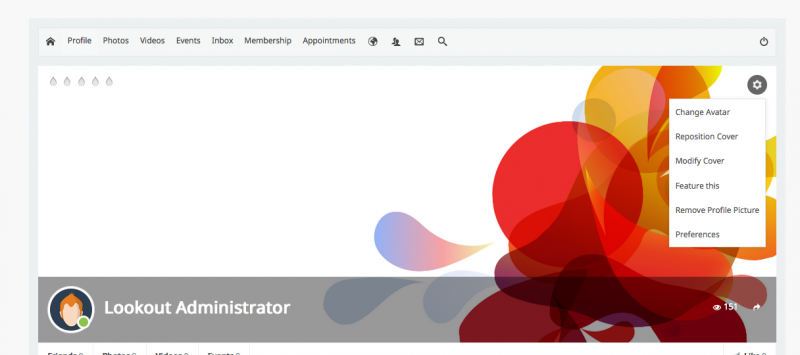
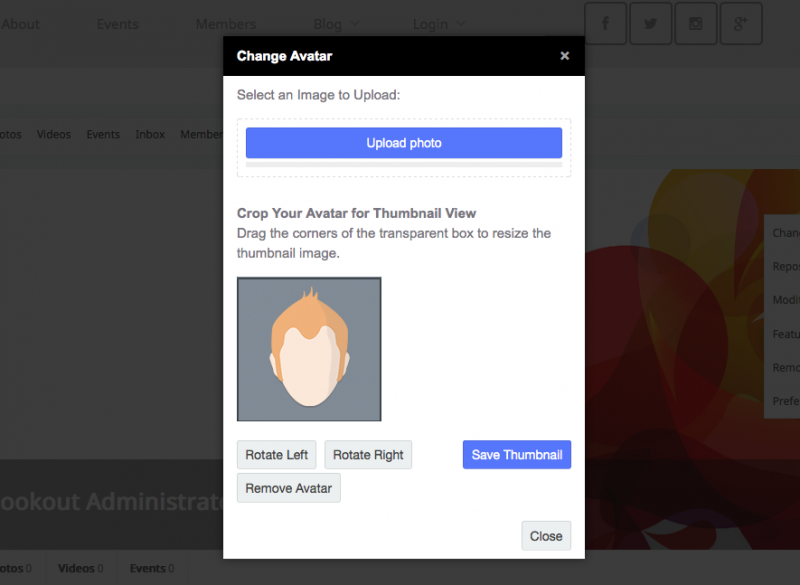
I turned off system - K2 plugins, so the buttons can works now.
and regarding that errors that belongs to site template, Gantry and "Rok" plugins. you need to contacting them for more support.
Regard
Hi there.... I tried to login and I can't login at all anymore and the public Jomsocial pages still won't allow the pressing of buttons. Can you please help me?
After re-enabling the System - K2, I was able to login. Can we figure out why this is happening? I also have a ticket open with RocketTheme.
Hi,
here the error message:
Fatal error: Class 'K2Table' not found in /home/lookout/public_html/administrator/components/com_k2/tables/k2user.php on line 14
please contact K2 provider about the issue. maybe the have some updates.
if K2 not crucial component at your site, better you uninstall that K2 component and keep using joomla article manager.
Regards
Hi there....
So, I removed all of K2... Got some input from RocketTheme and they mentioned I had another plugin that was disabling mootools. I disabled that plugin, got some additional functionality, but for example, on my profile page, none of the Jomsocial menu bar links work or even drop down.
What could be happening?
I get this error: Uncaught TypeError: joms.jQuery is not a function
This mainly happens on the profile home page.... Can't click "like" on things in the activity stream either.
Help!
Cheers,
Ian
So on my profile homepage, when I mouse over the Profile menu item, the dropdown doesn't happen.
When I click to a page like 'videos', the dropdown happens. [Attachement 2]
Seems to be this error: Uncaught TypeError: joms.jQuery is not a function[Attachment 1]
When I click to a page like 'videos', the dropdown happens. [Attachement 2]
Seems to be this error: Uncaught TypeError: joms.jQuery is not a function


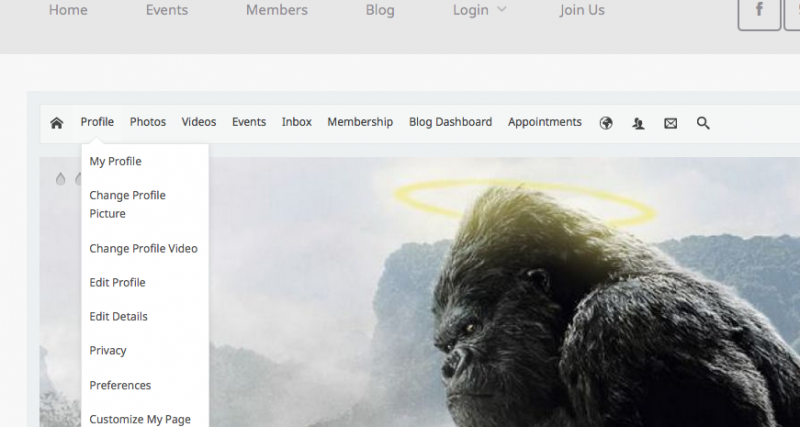
Sooo. I've tried it on multiple browsers on multiple computers, logged in as a registered user. Not working.
Logging in as an administrator, no problem. The only difference is the error when logged in as a registered user: Uncaught TypeError: joms.jQuery is not a function
This is the only difference because that error doesn't come up when logged in as an Administrator.
What is joms.jQuery? How is it affected by user groups? How can we troubleshoot this issue because all of my registered users have the same issue.
In probably a connected issue, I get both the [Uncaught TypeError: joms.jQuery is not a function] and the [Uncaught TypeError: Cannot read property 'photoOpen' of undefined] error in the JavaScript Console. I'm assuming that since joms.jQuery isn't working, the 'photoOpen' functionality isn't working.
Help!
Thanks,
Ian

Hi,
found the issue. the issue from JSPT System Plugin it self.
that error message pointing to they code
joms.jQuery(document).ready( function($){
				$("label[for=privacy],.js_PriContainerLarge,.privacy,.js_PriContainer,.joms-privacy-dropdown").remove();
}); Regards